
Built on DICE’s Frostbite 2 engine, the updated version of Frostbite used in Battlefield: Bad Company 2, Battlefield 3 is no doubt is the best looking game in the Battlefield series. The game looks so good it was nominated in every feature for "best graphics in 2011". It was also so demanding that the developer DICE even stated that it would require an SLI/Crossfire dual-GPU set up to run the game at Ultra settings. But how does it scale to lower-end systems? Unfortunately, we haven’t seen one article to have tested and discussed this.
Test System & Requirements
| TEST SYSTEM | MINIMUM REQUIREMENTS | |
|---|---|---|
| Processor | AMD Athlon 64 X2 5000+ 2.6GHz Dual-core | Core 2 Duo 2.4 GHz or Athlon X2 2.7 GHz |
| Memory | 3GB DDR2- 800MHz | 2GB |
| Video Card | nVidia GeForce 9600GT 512MB DDR3(Green Edition) | nVidia GeForce 8800 GT 512MB or AMD ATI Radeon 3870 512MB |
| Driver / Patch version | nVidia Forceware 285.62 | No installed updates. |
| Operating System / DirectX | Windows 7 SP1 64-bit / DX 11 | Windows Vista (SP2) 32-bit / DX 10.0 |
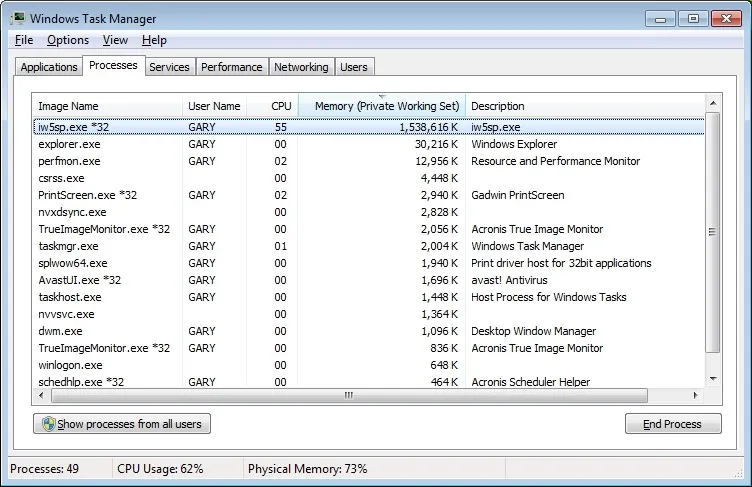
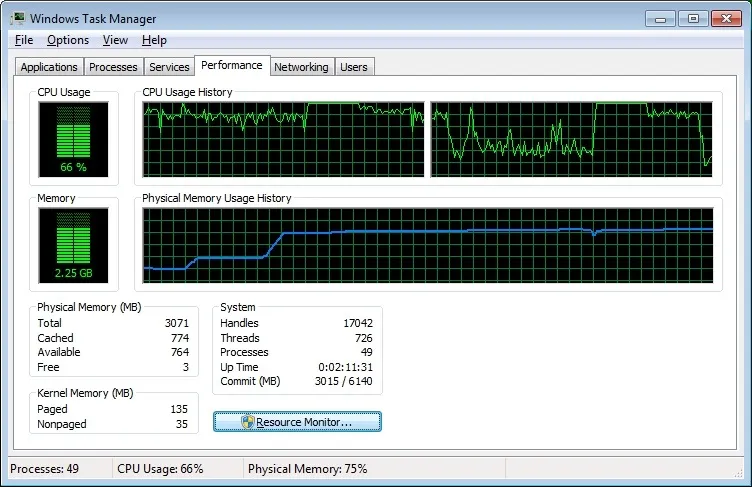
Battlefield 3’s minimum requirements look favorable, on paper, and it looks to be identical to our system so we are really curious about how the game would run on these kinds of systems. Take note for those who have AMD Radeon cards, the game only requires DirectX 10, not necessarily DirectX 10.1 like Radeon 3870.
This game gives a great deal of beating for the CPU, running almost 100% all the time. Meanwhile, it looks to be light on memory, using only 1GB.
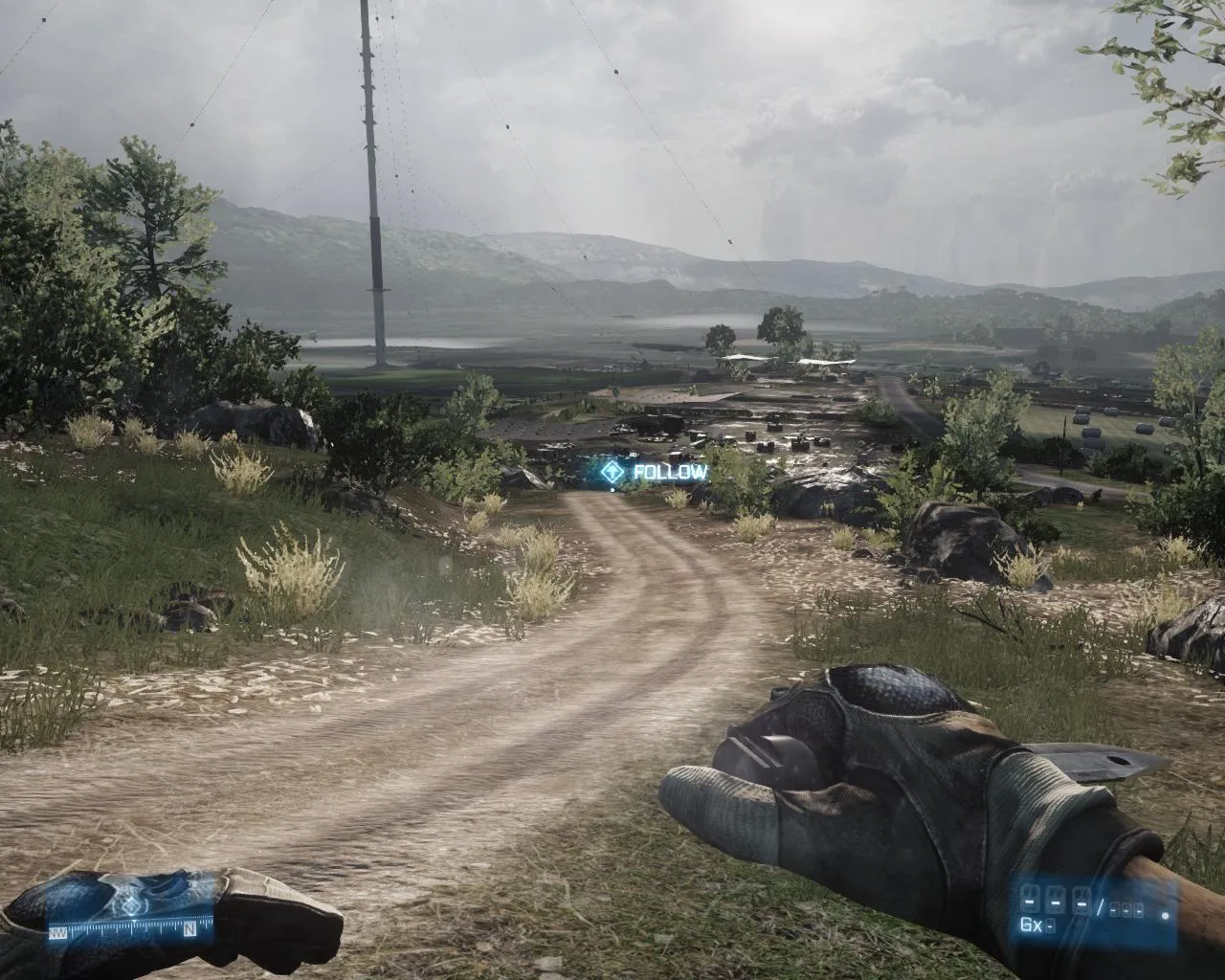
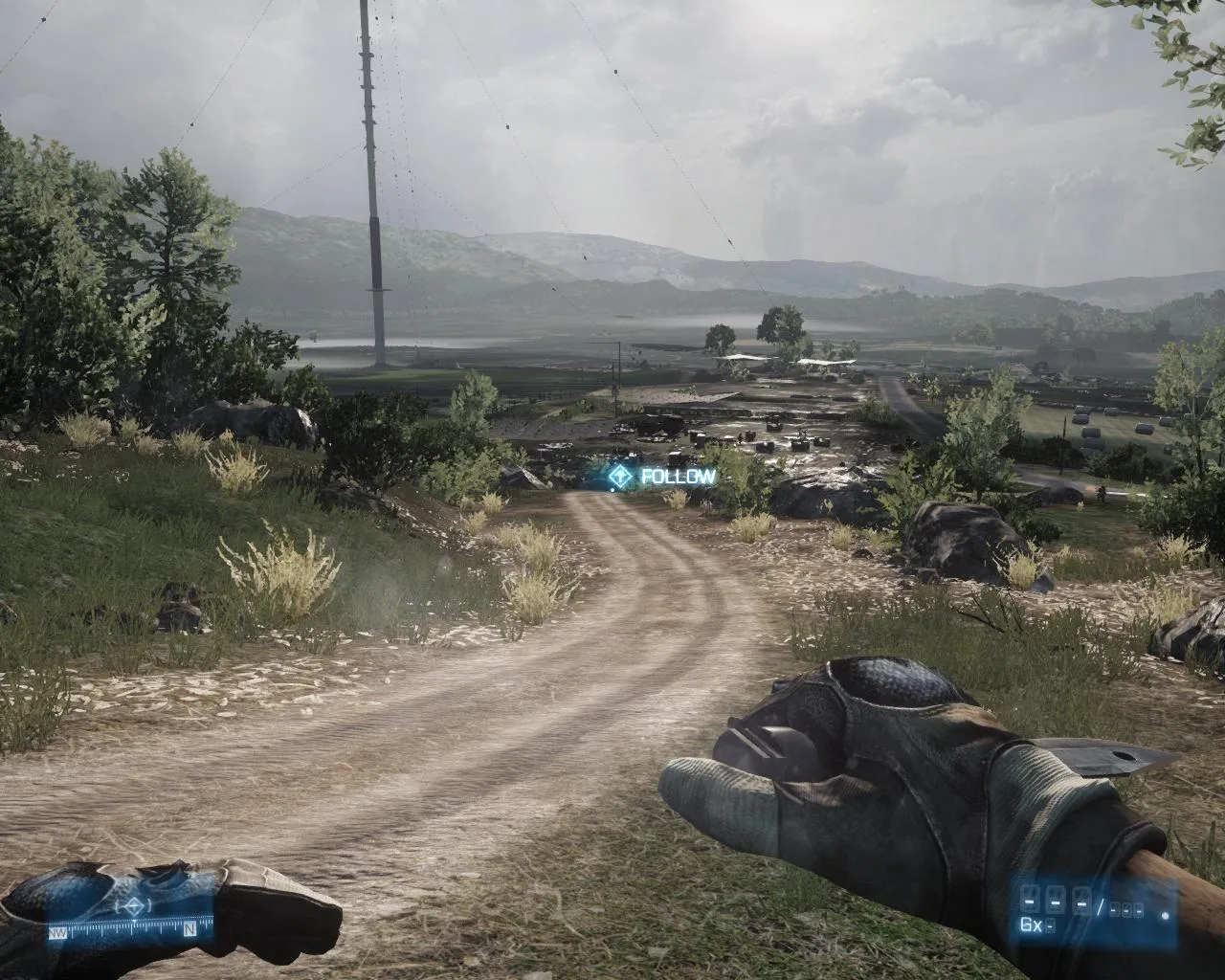
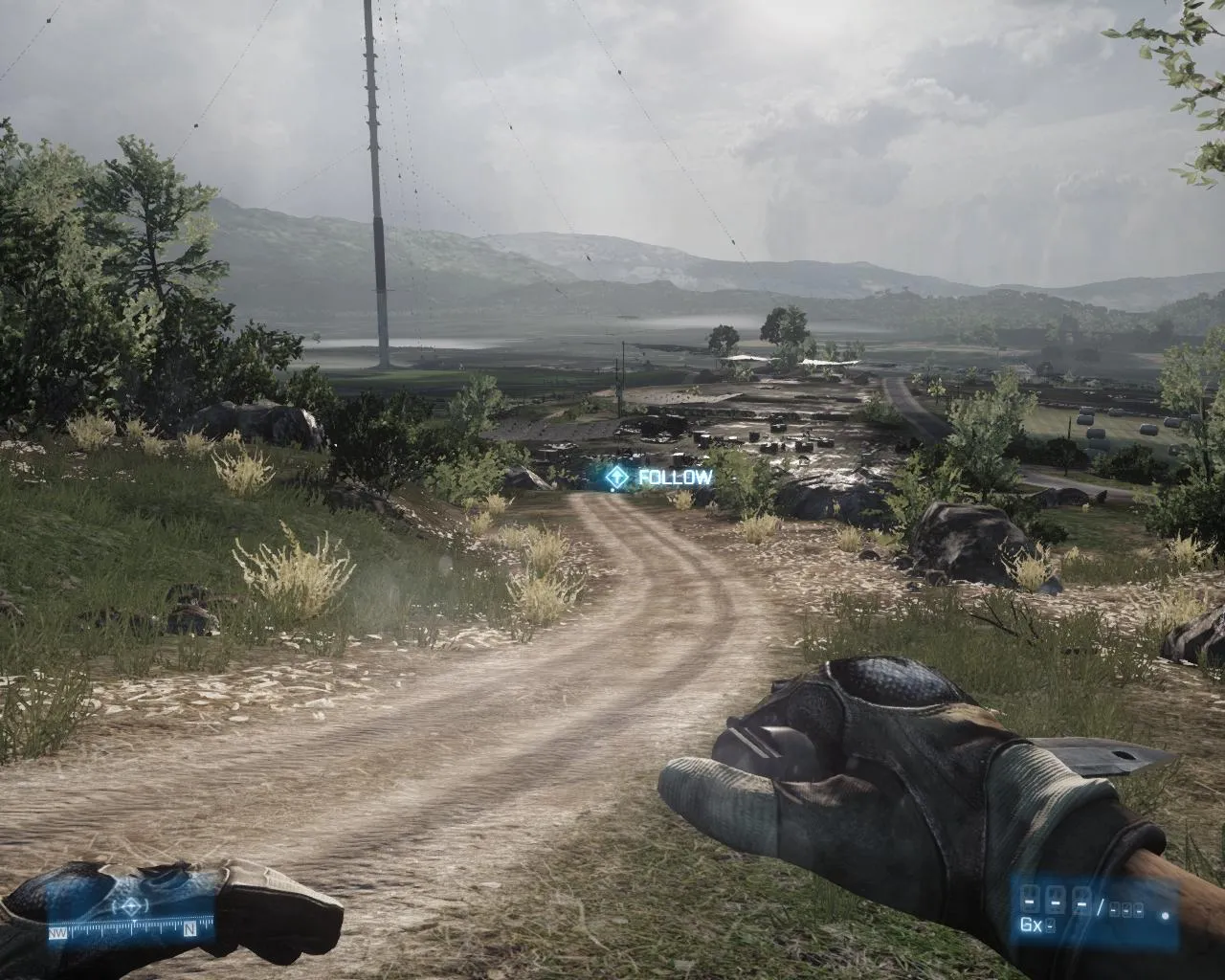
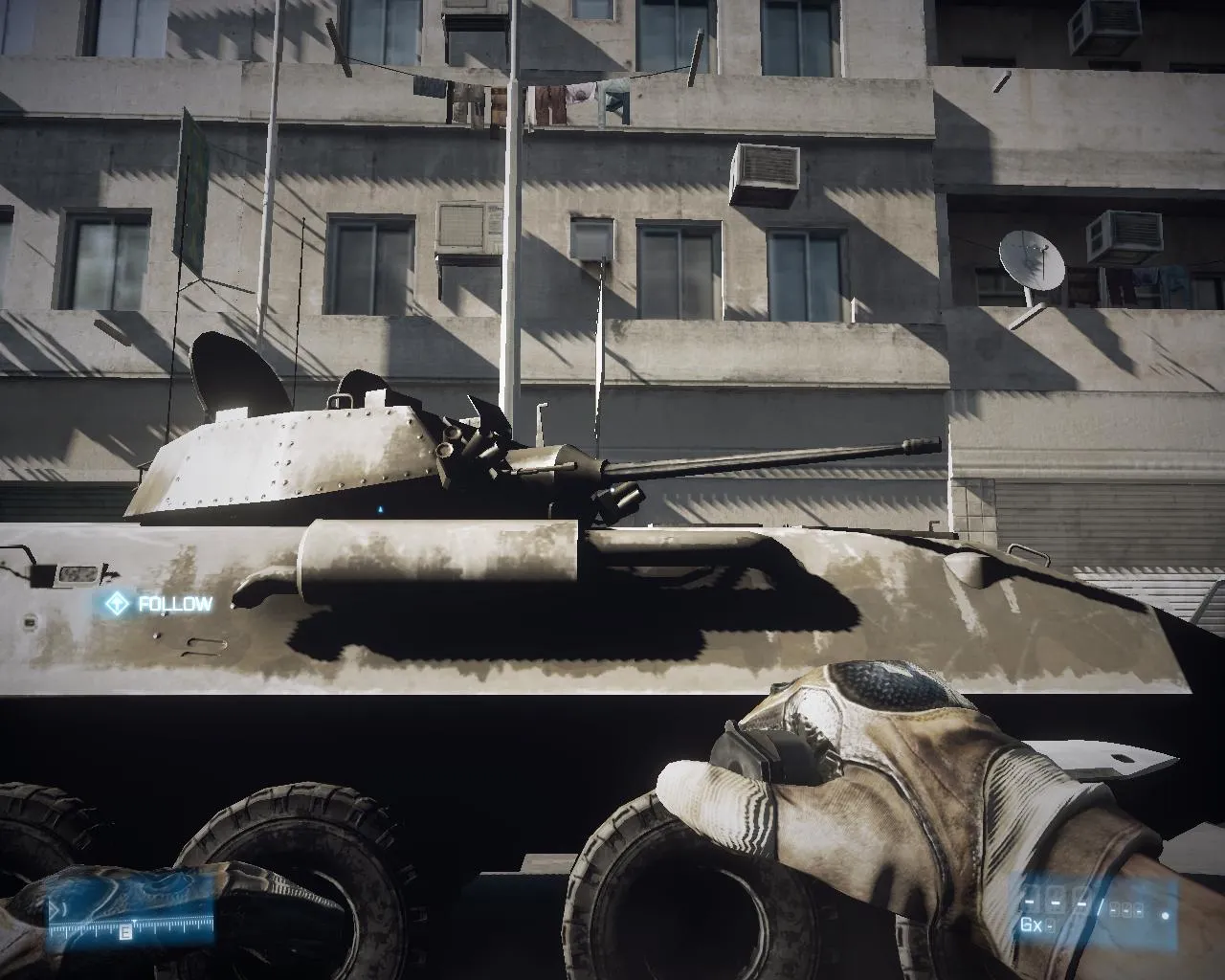
Image Comparison
Textures
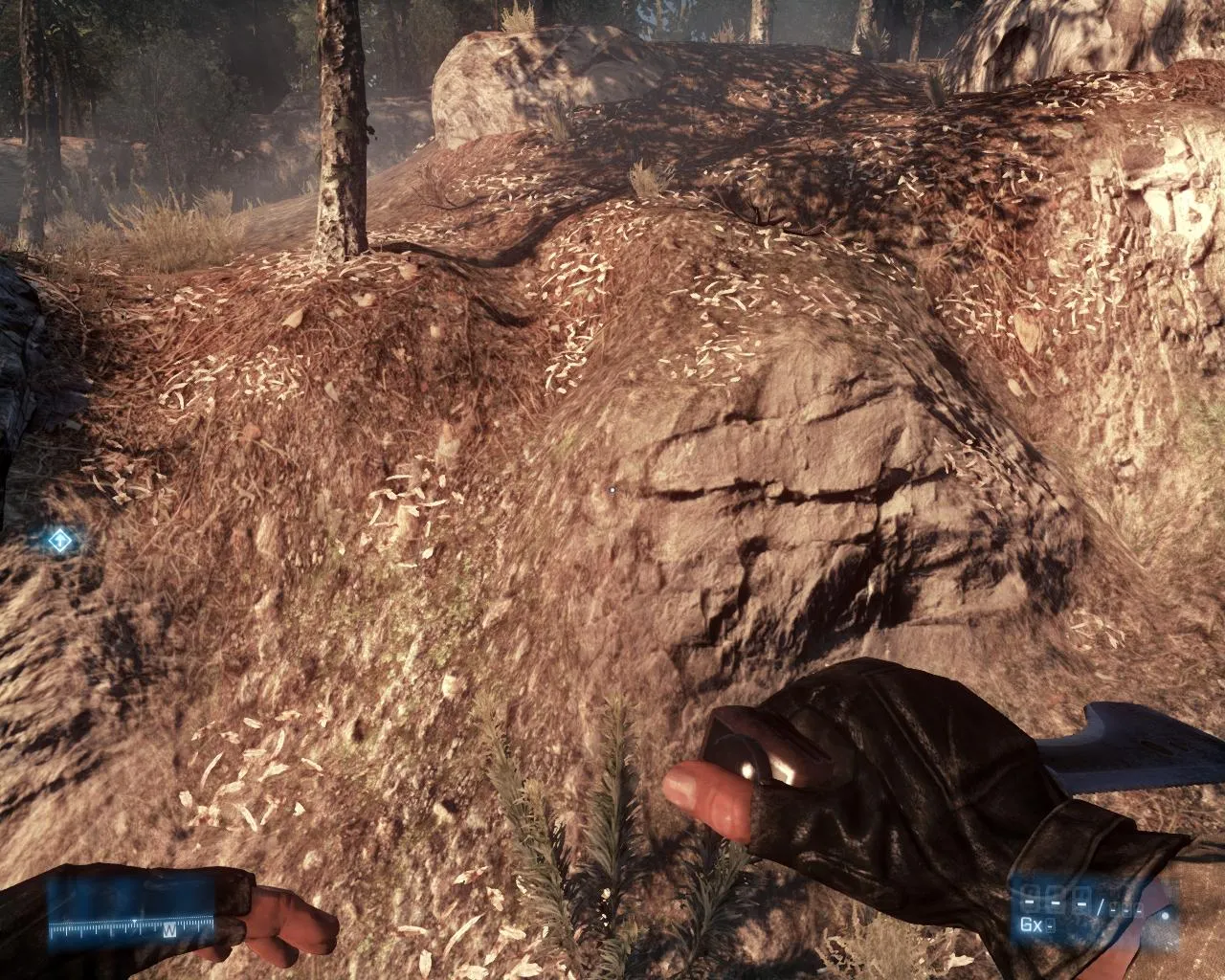
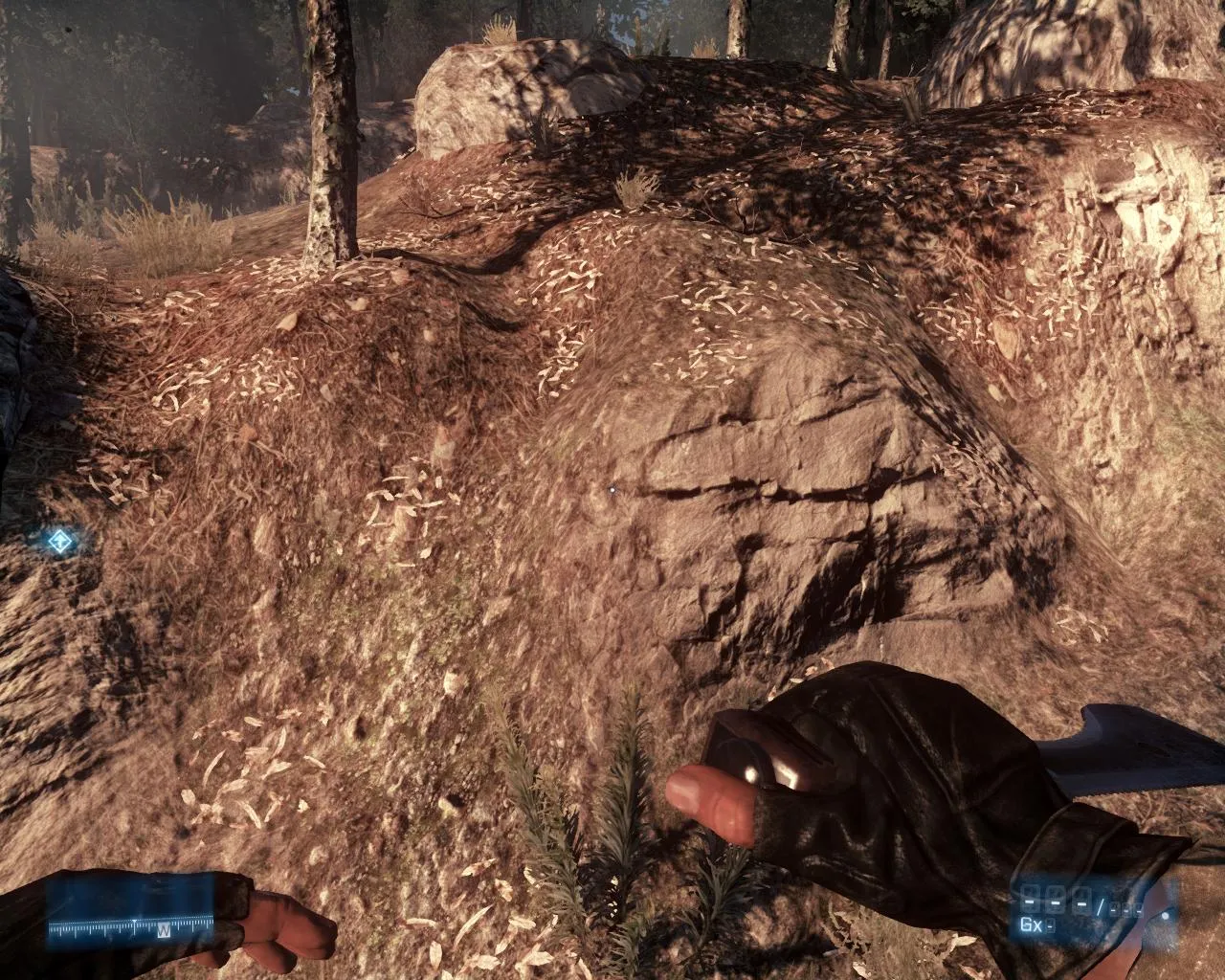
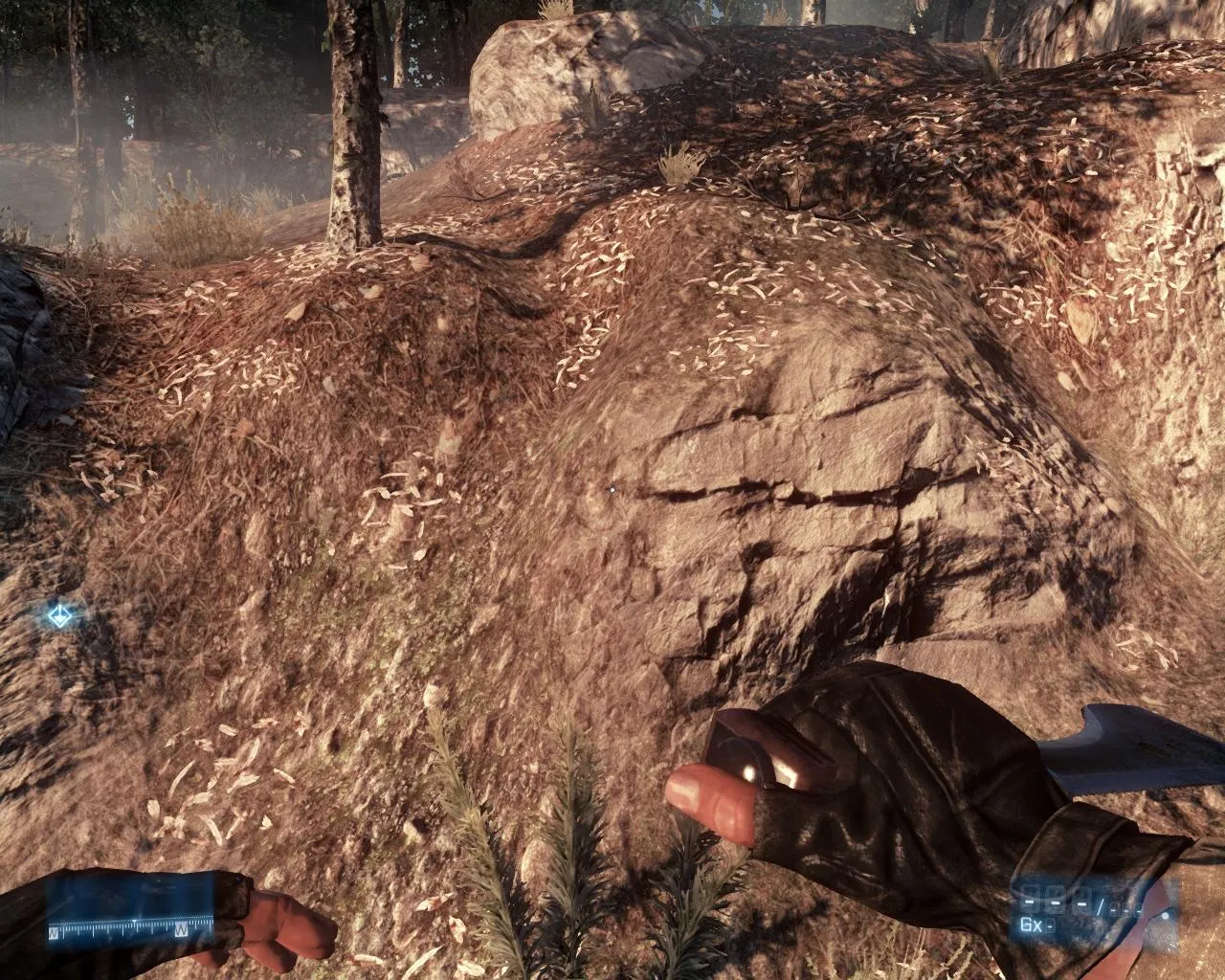
Anisotropic Filtering
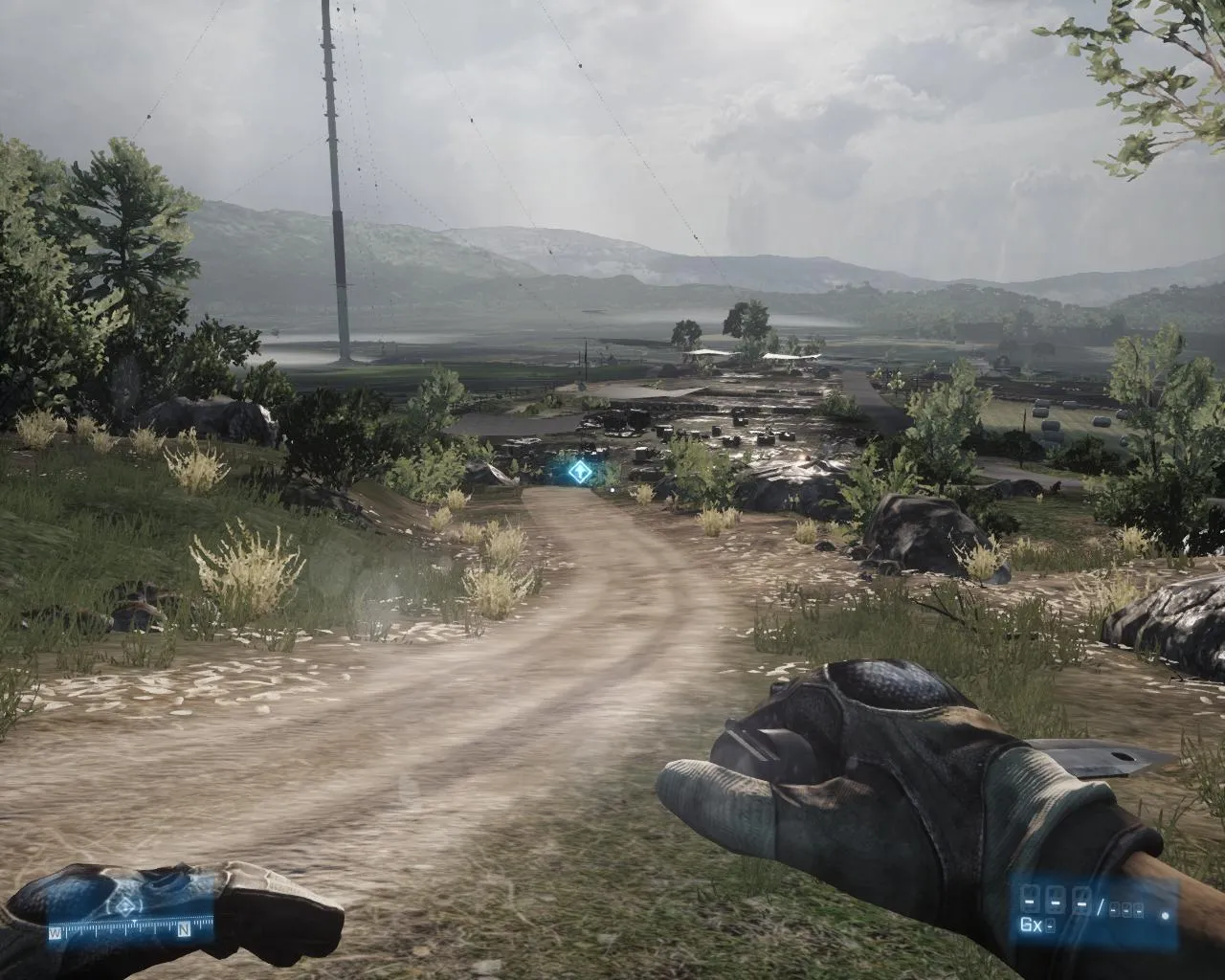
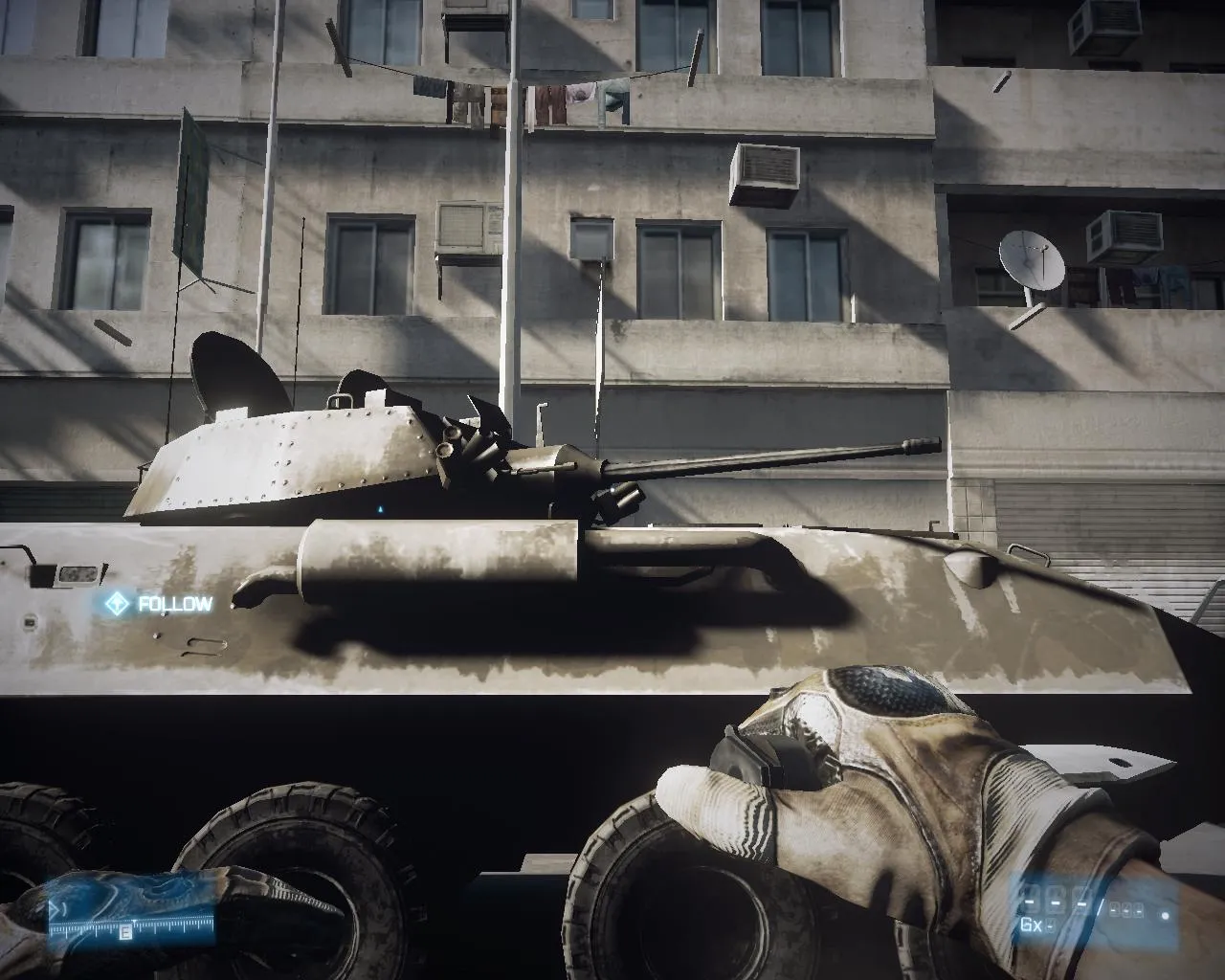
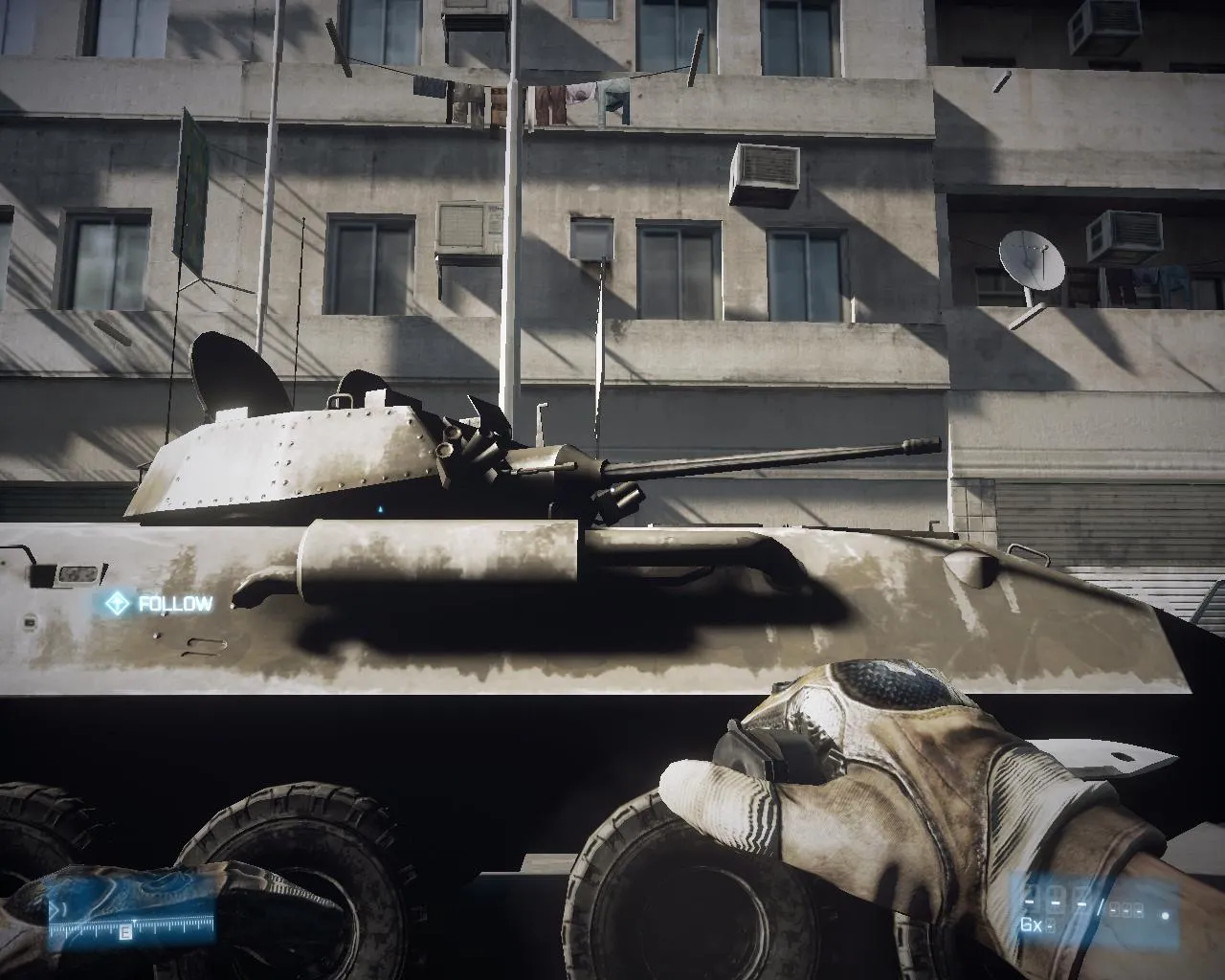
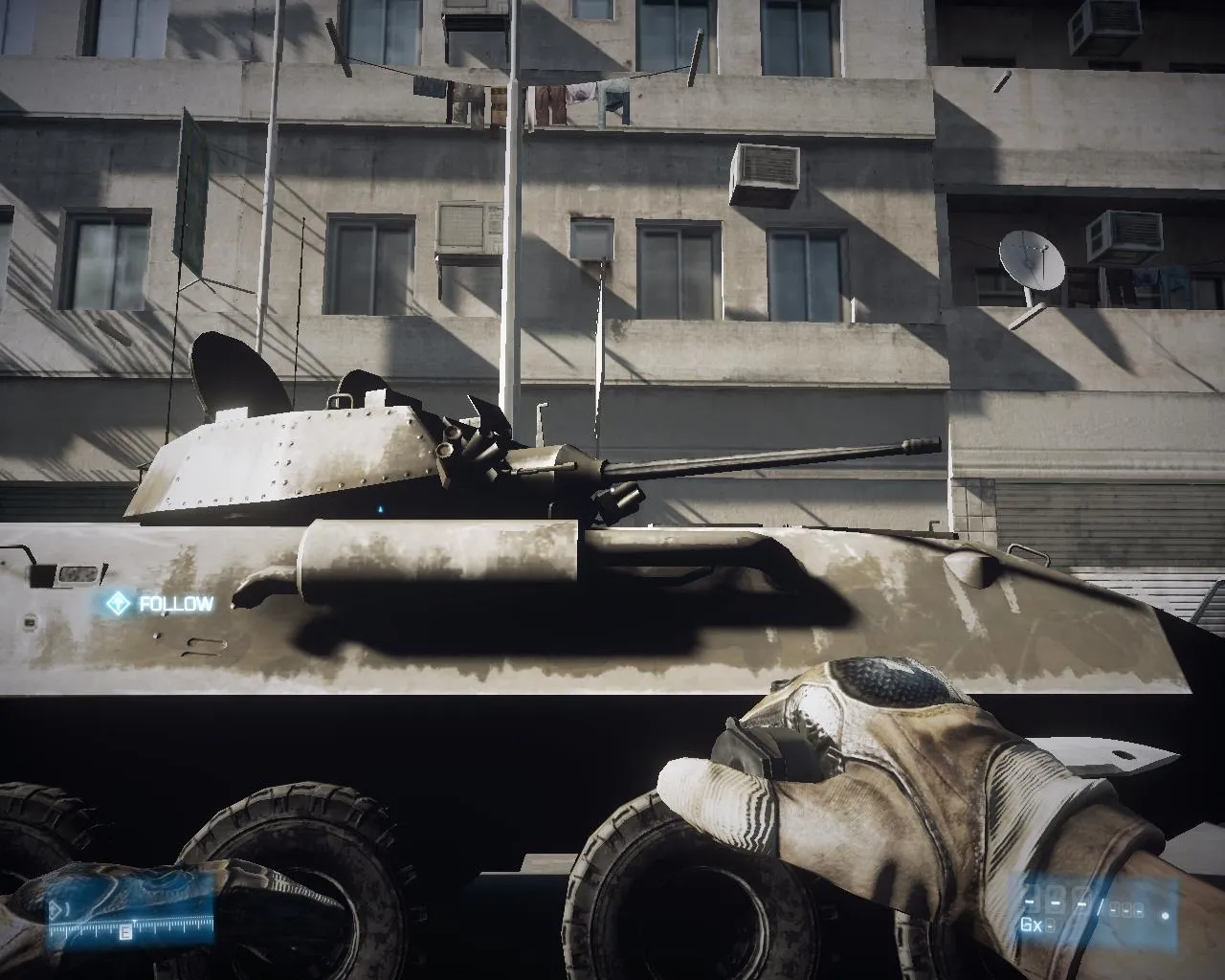
Shadows
Ambient Occlusion
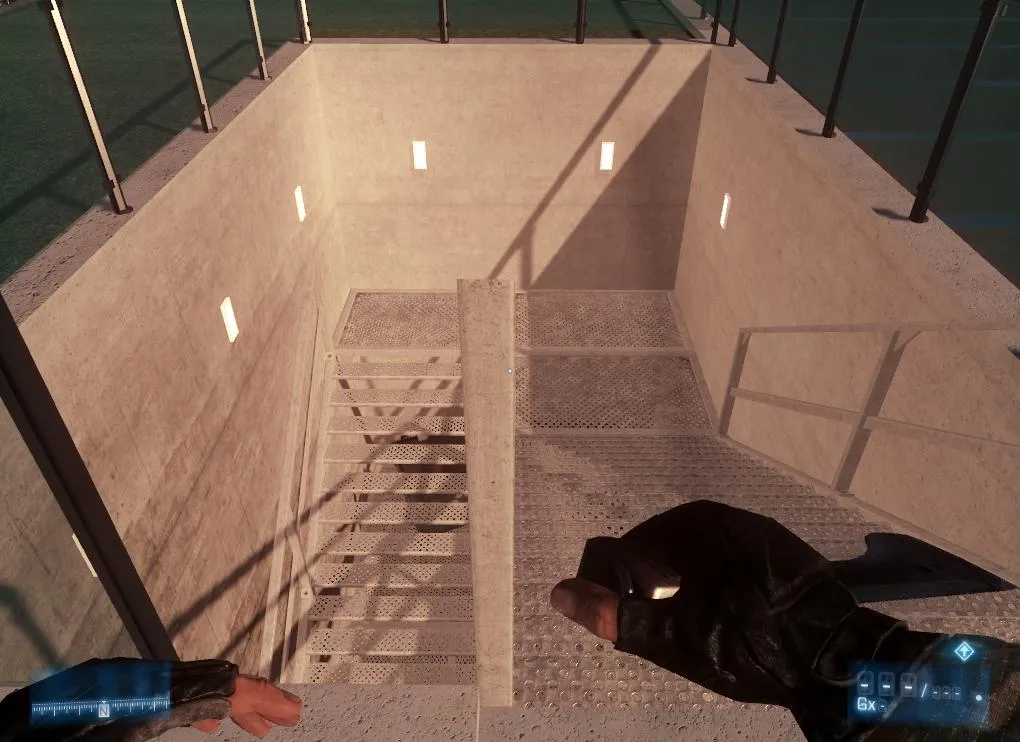
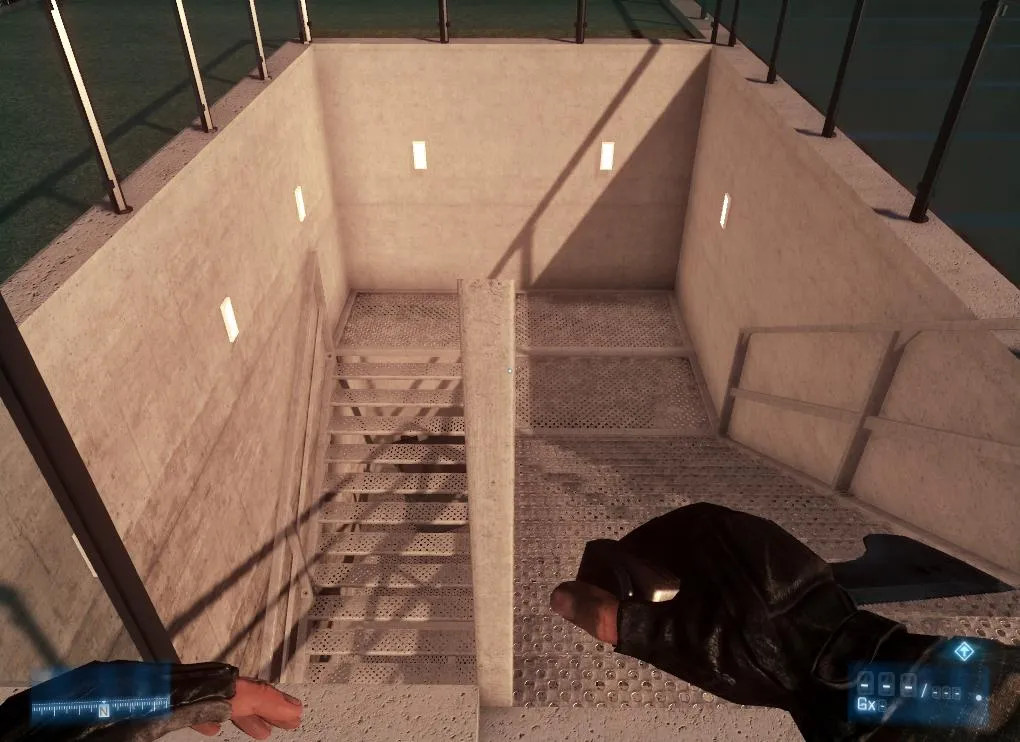
Effects Quality
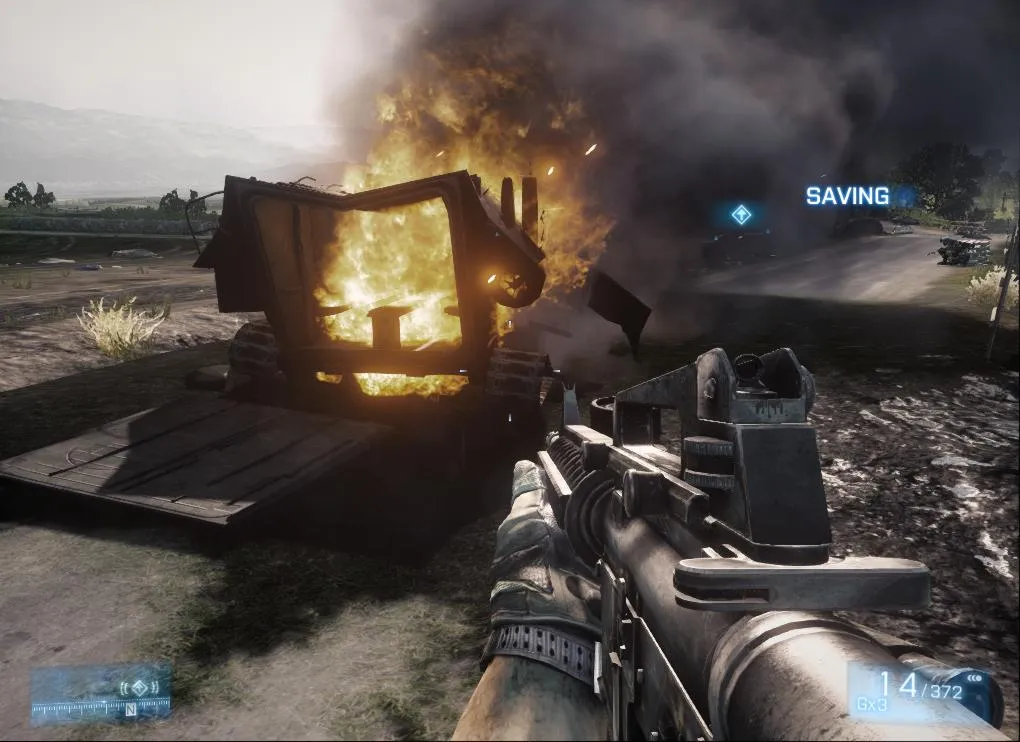
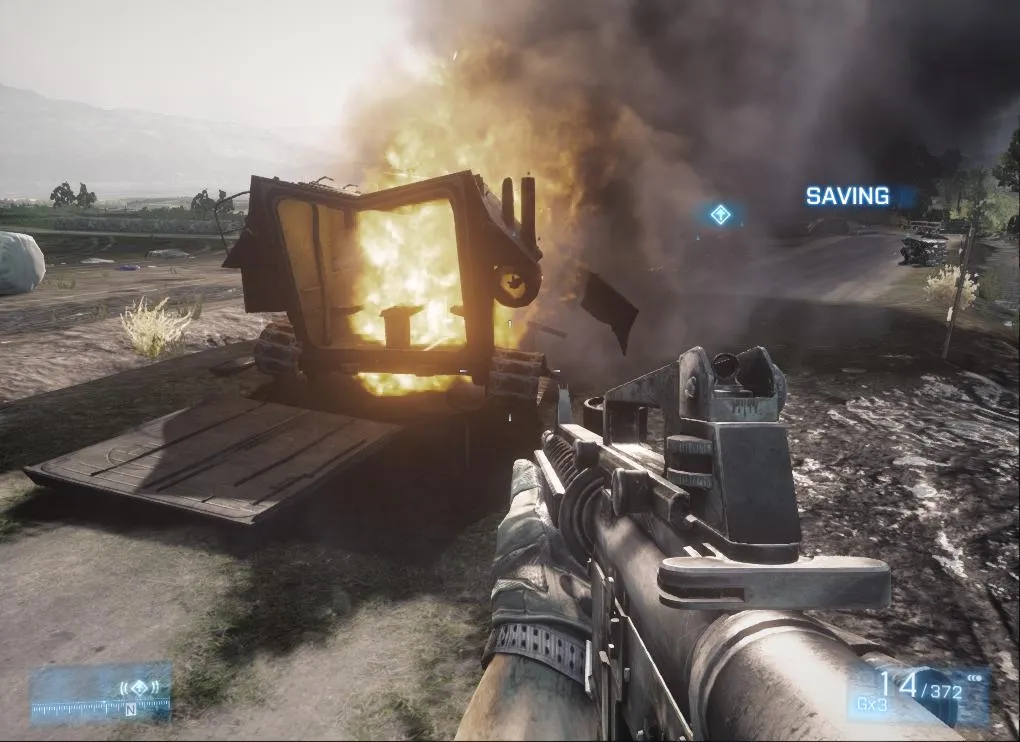
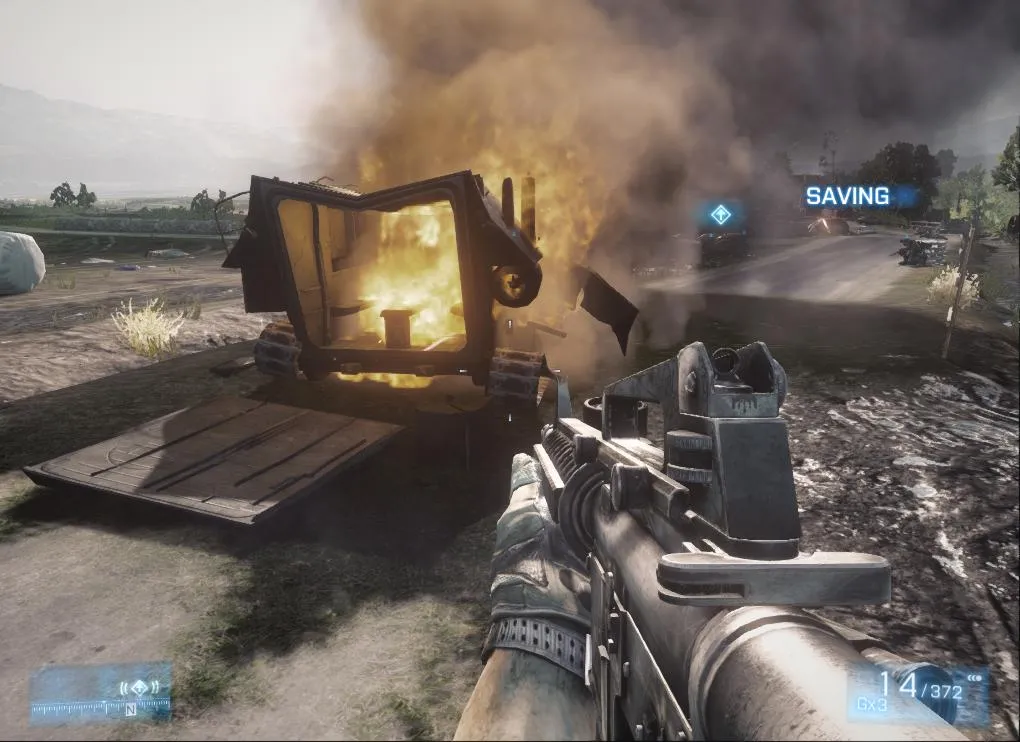
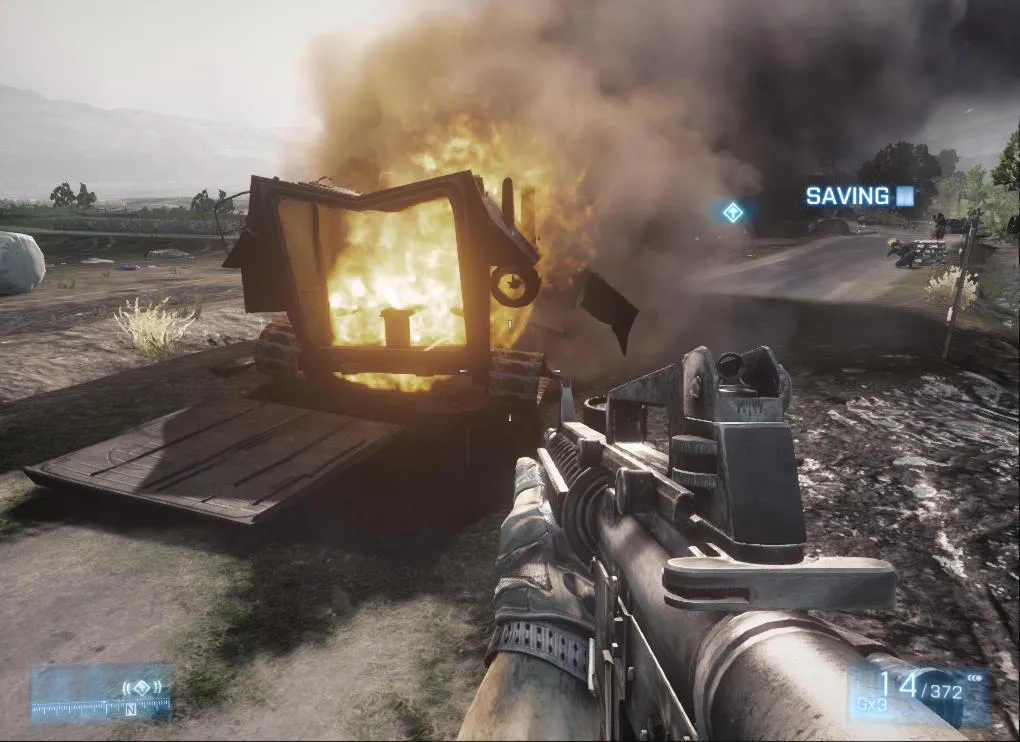
Mesh Quality
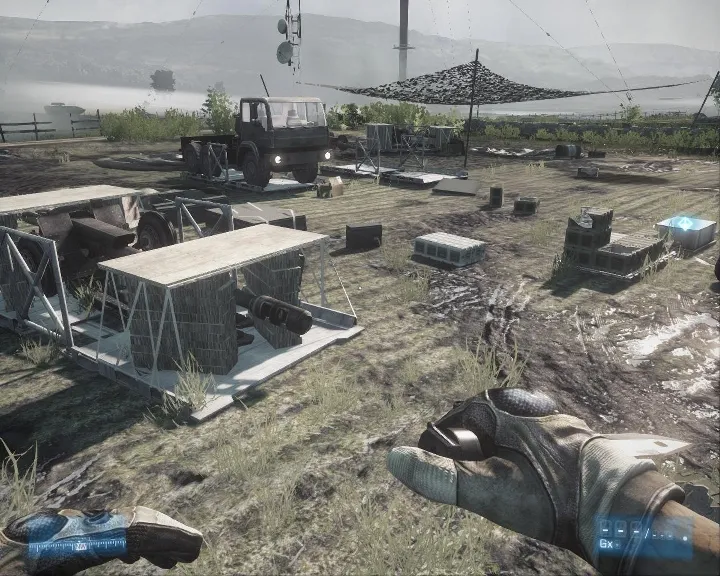
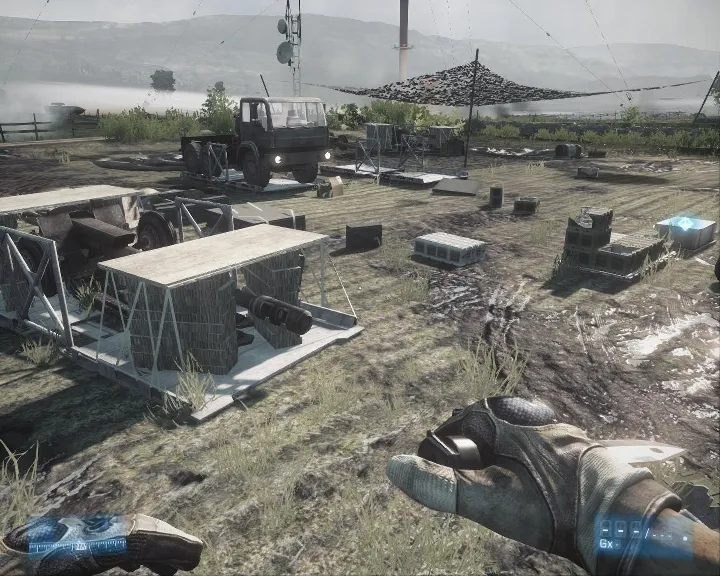
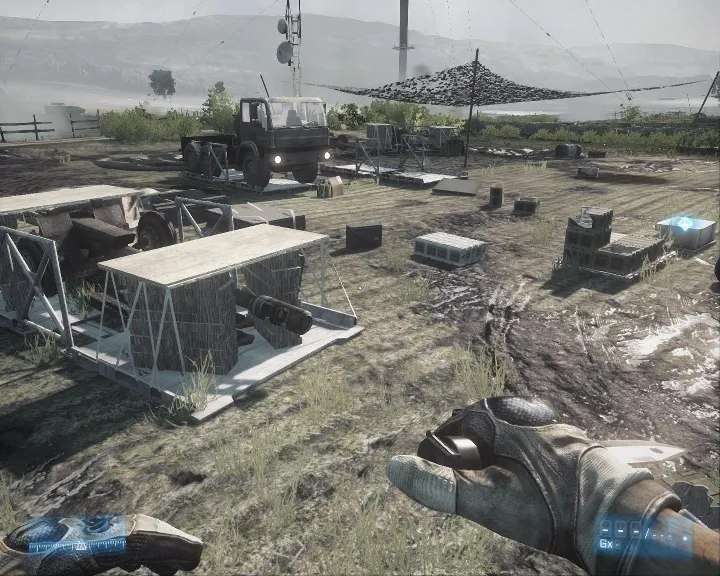
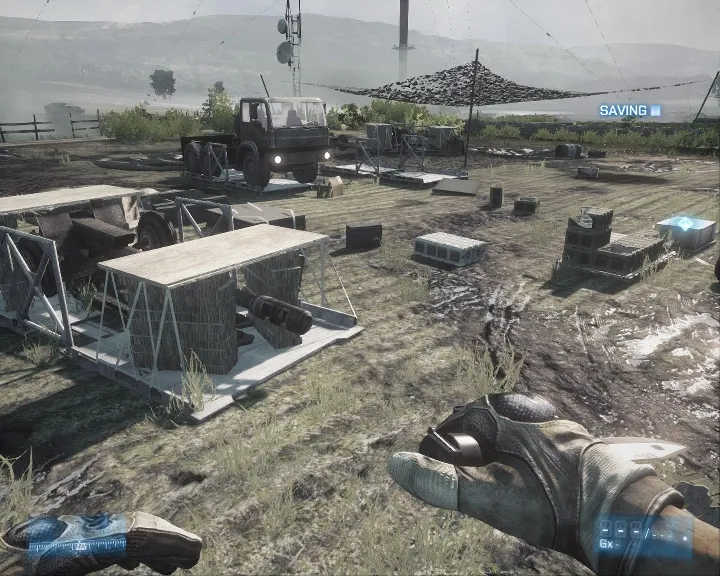
Terrain Quality and Decoration
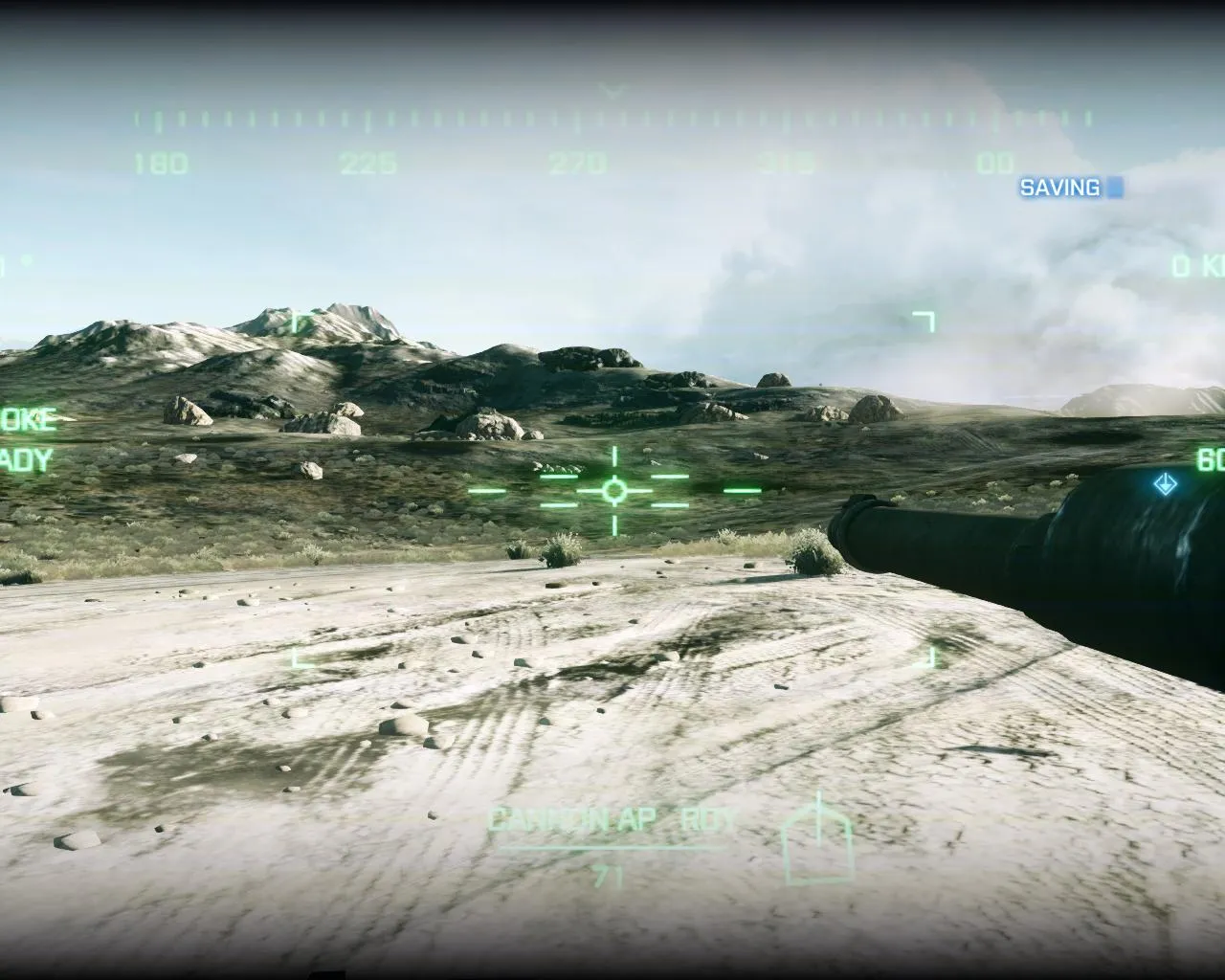
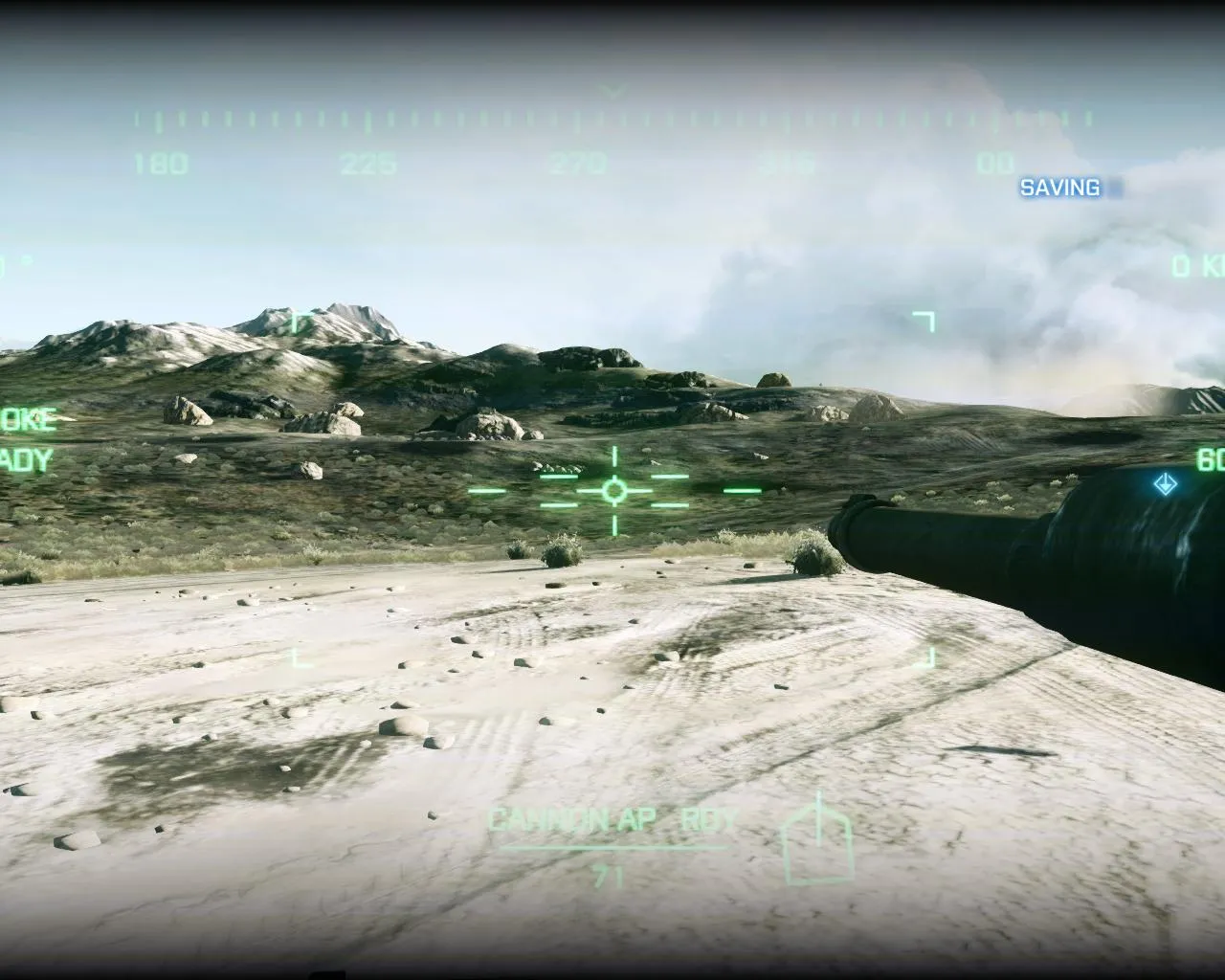
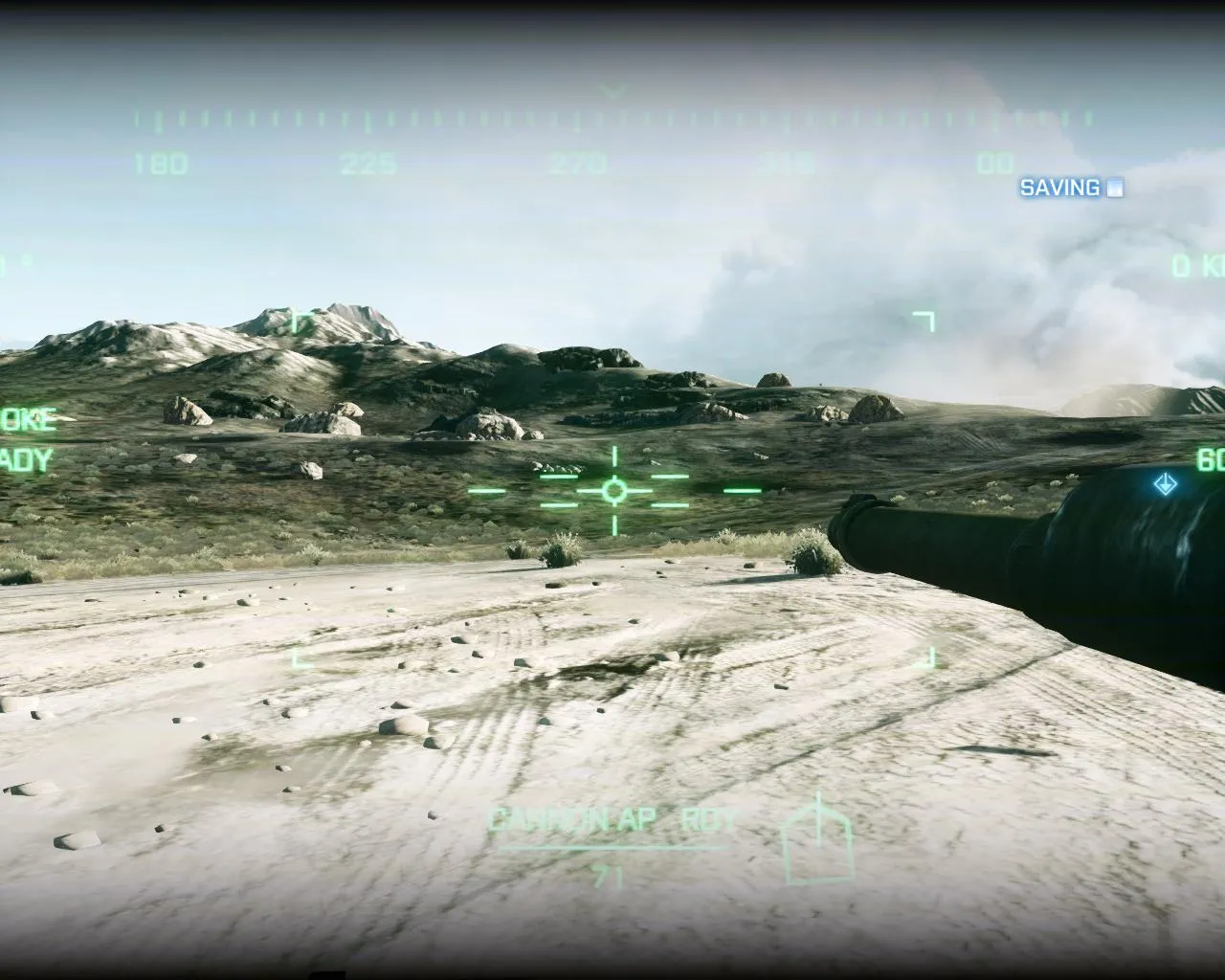
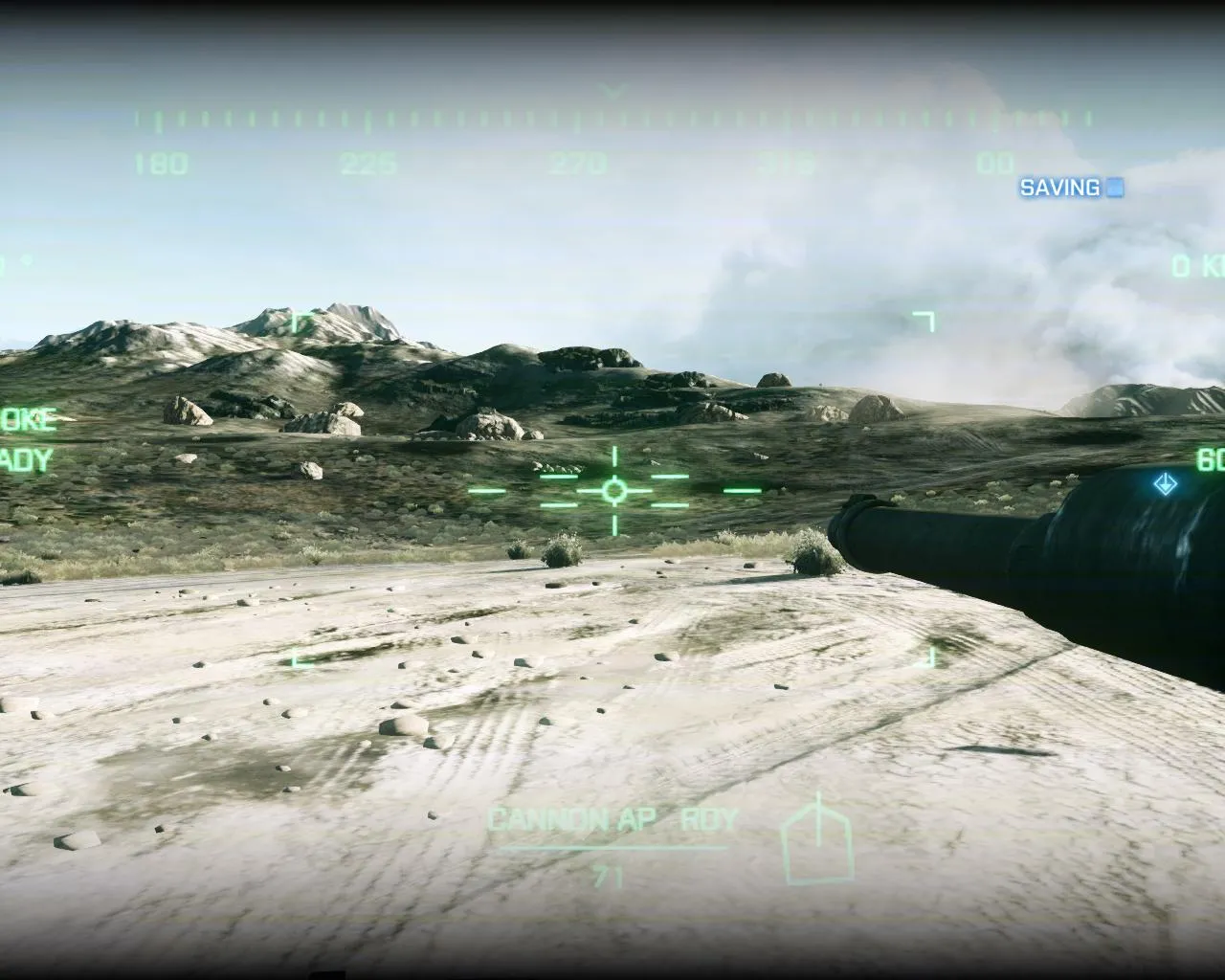
Anti-aliasing
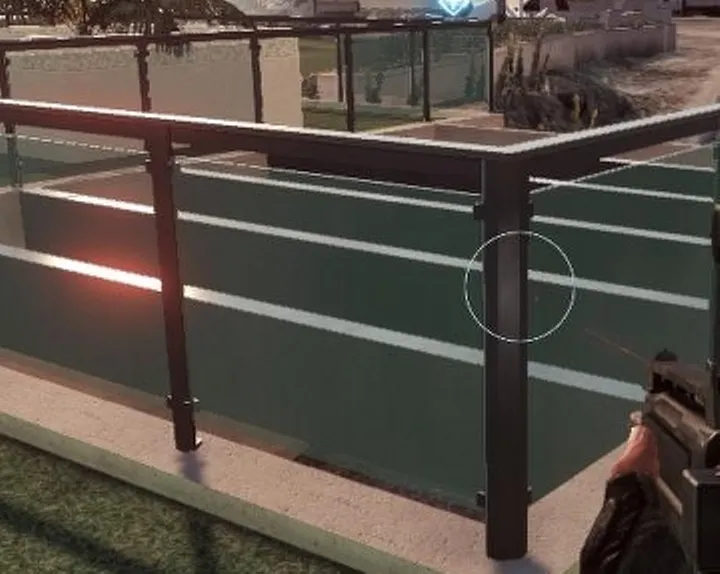
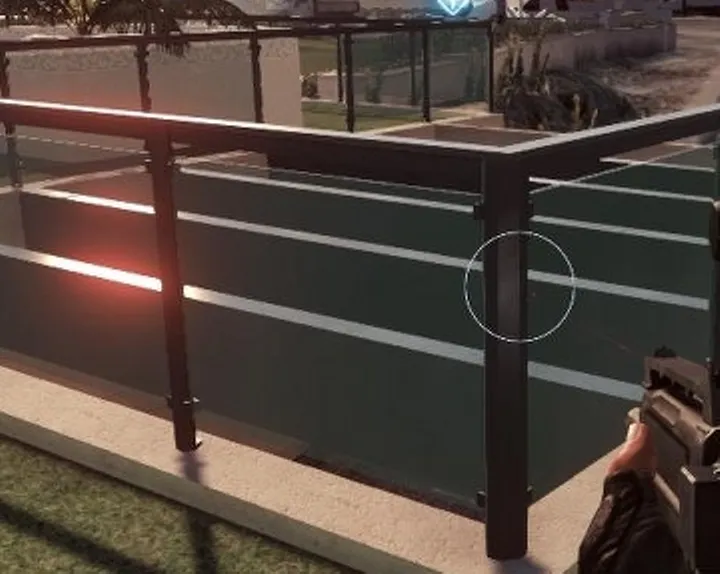
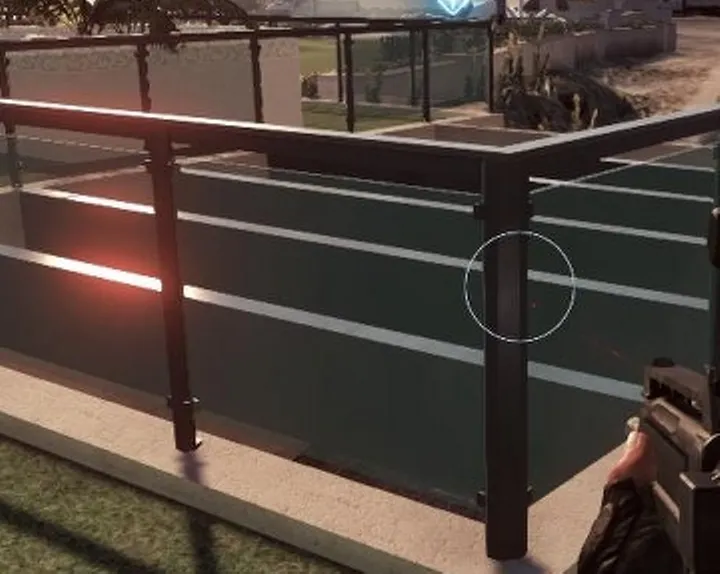
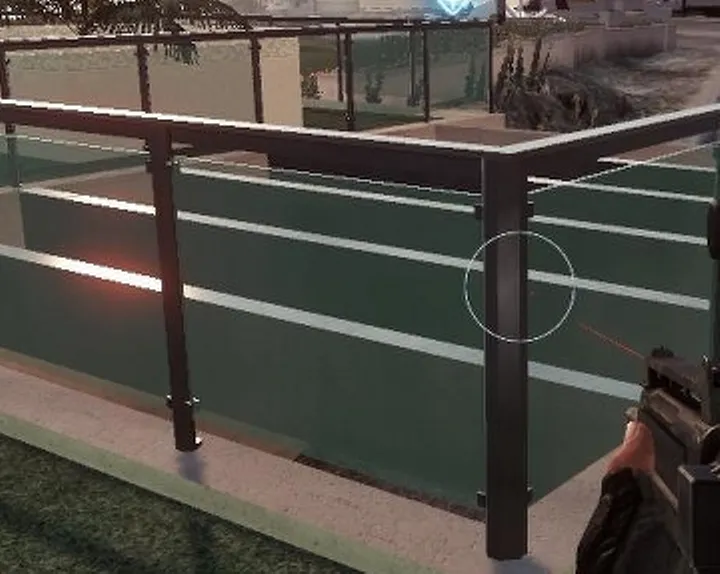
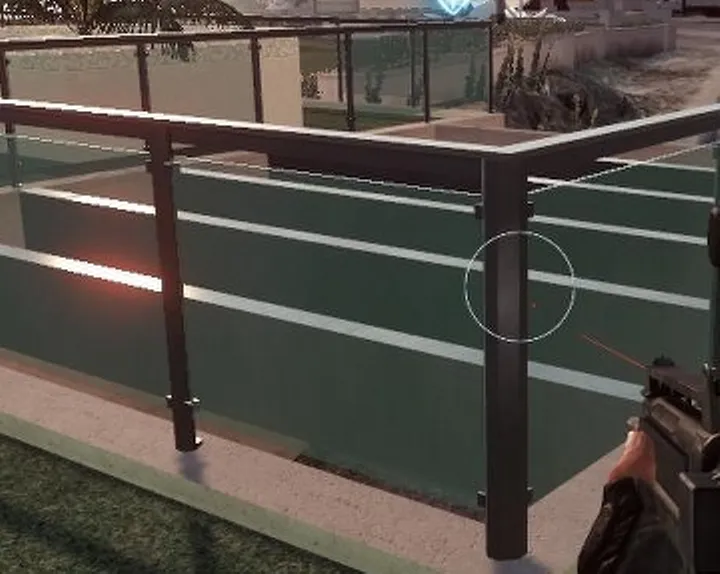
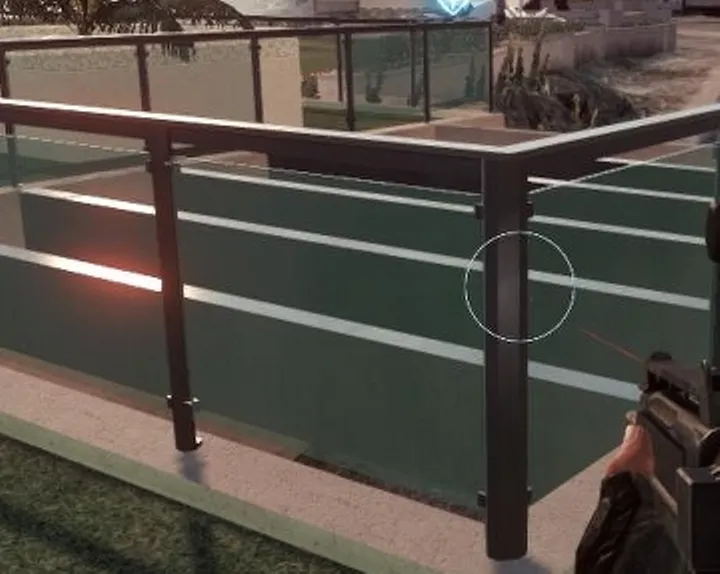
Motion Blur
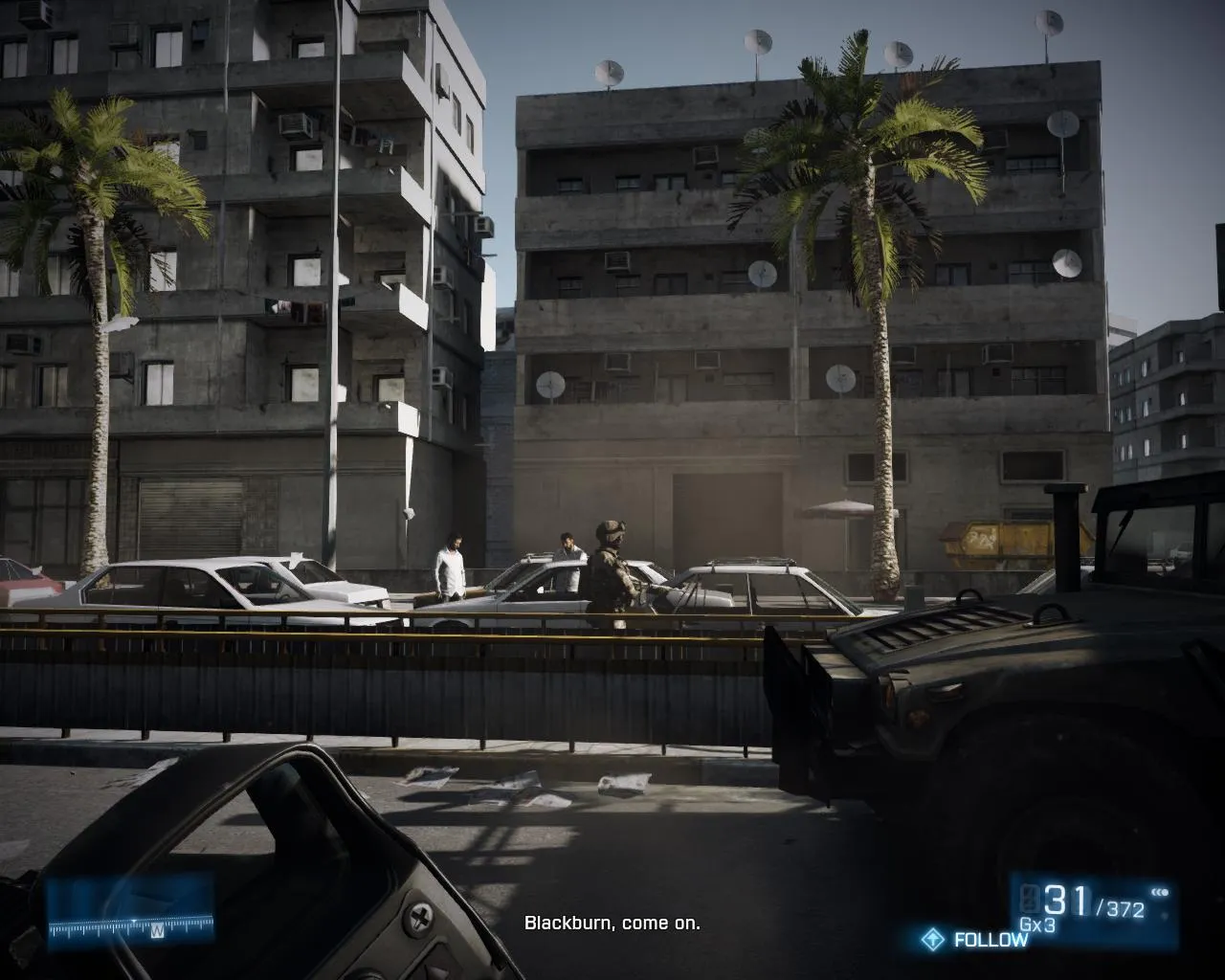
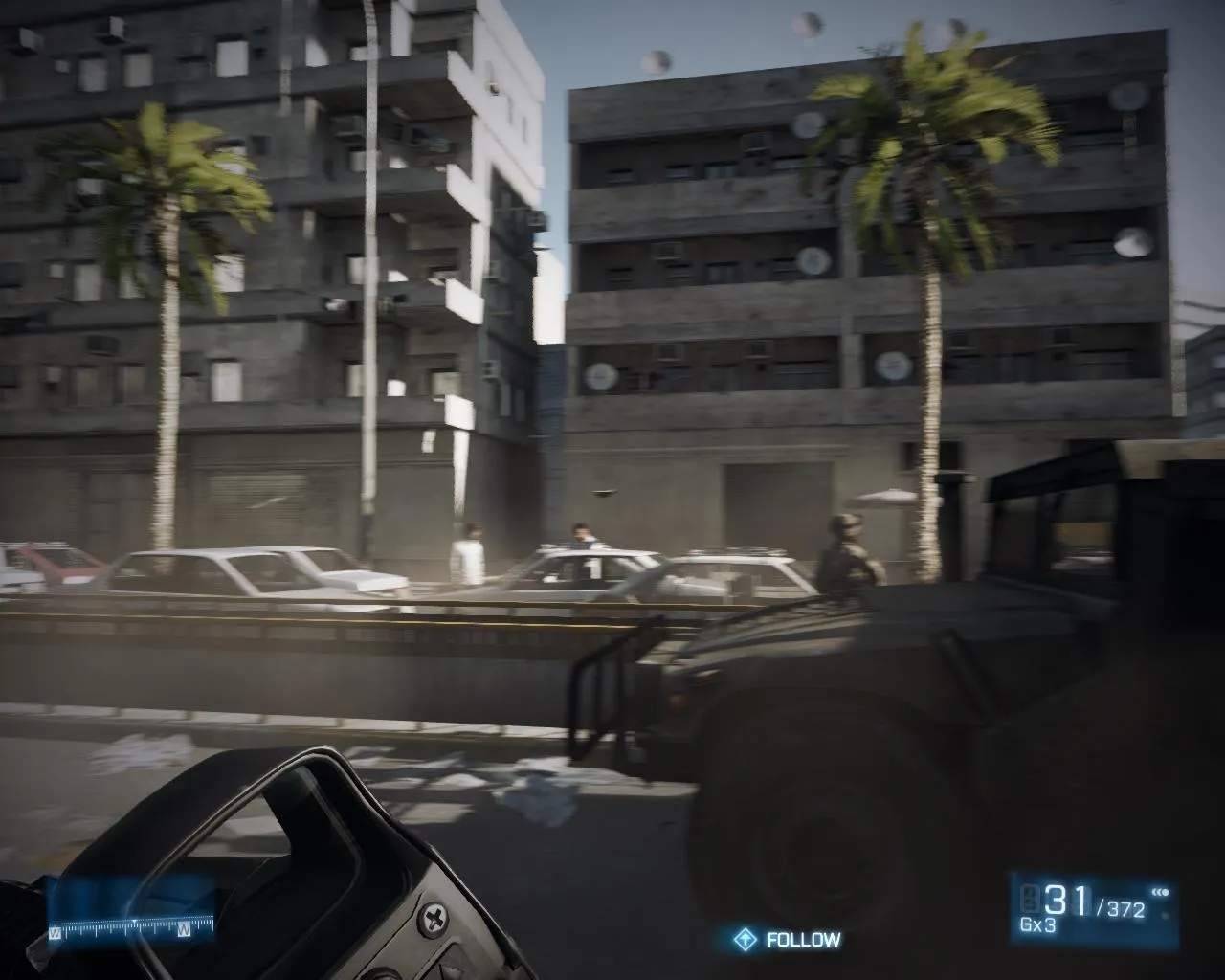
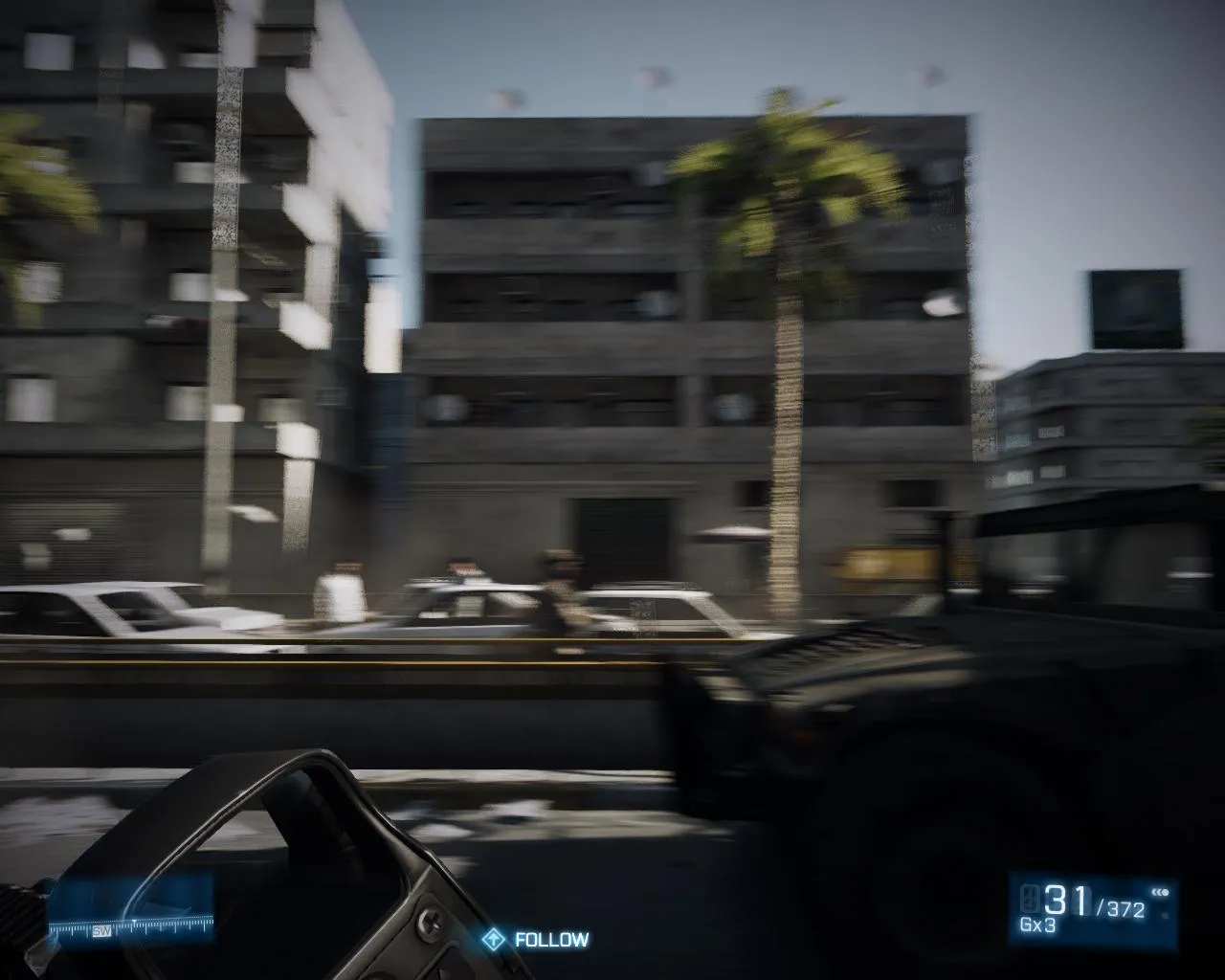
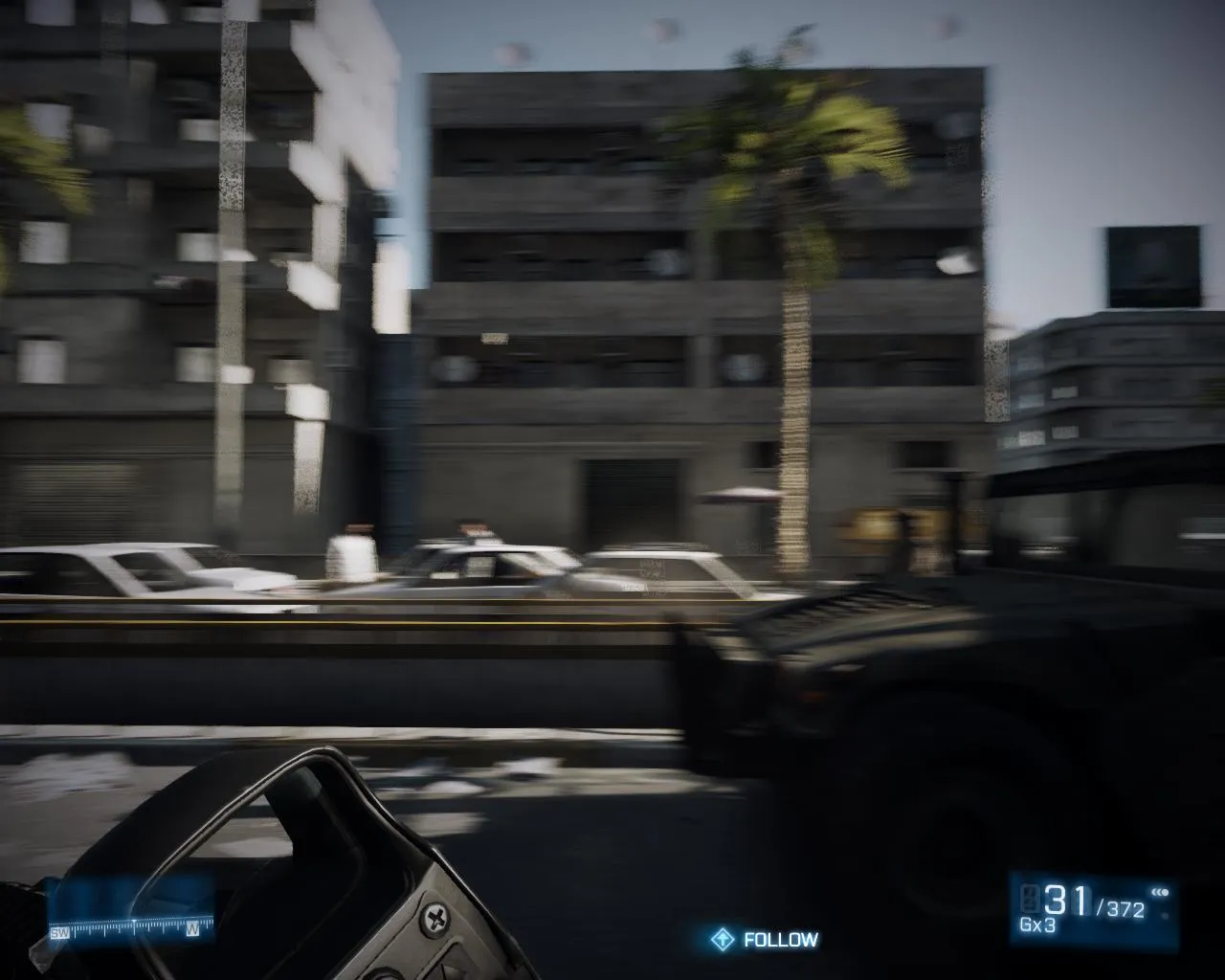
Preset Quality
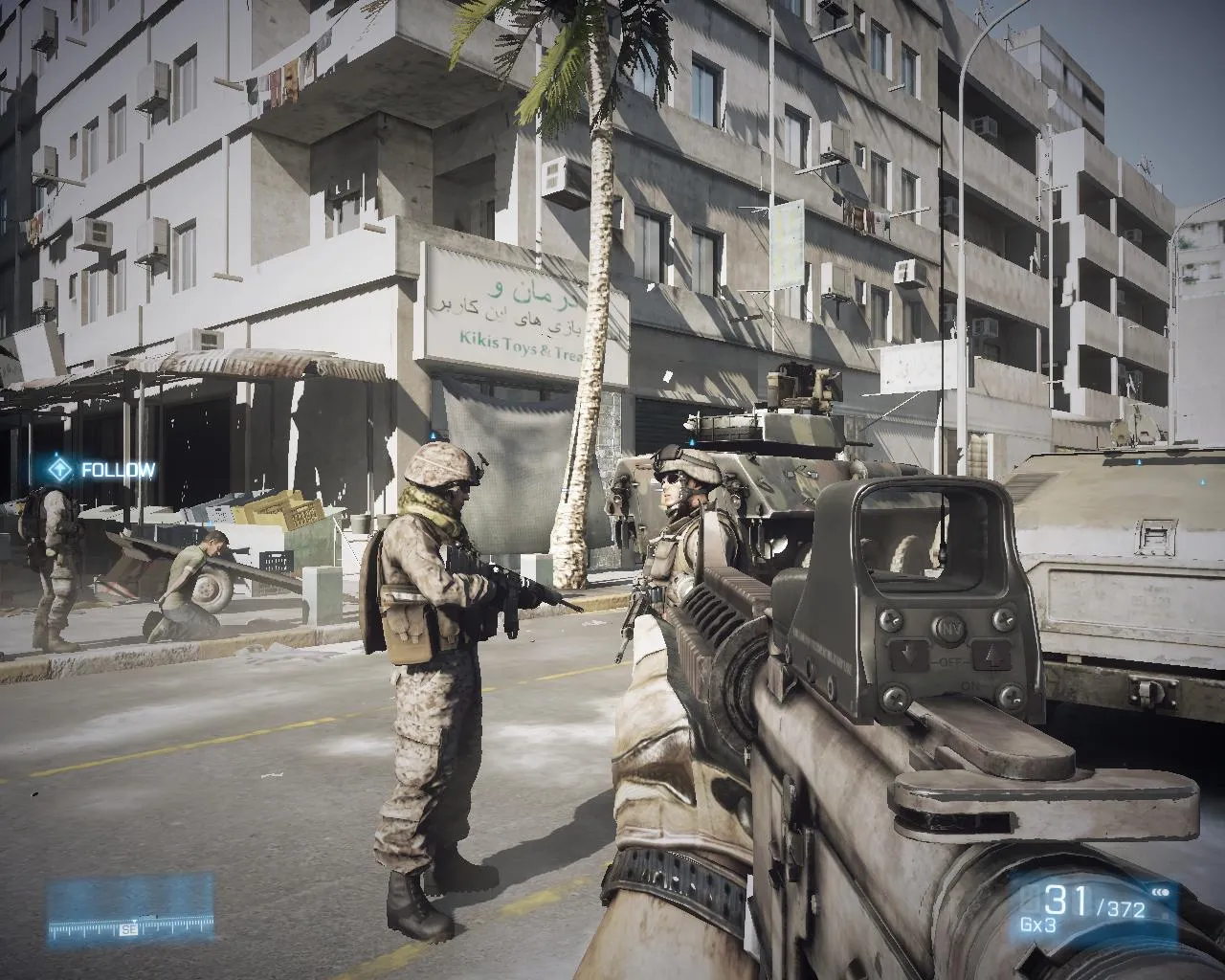
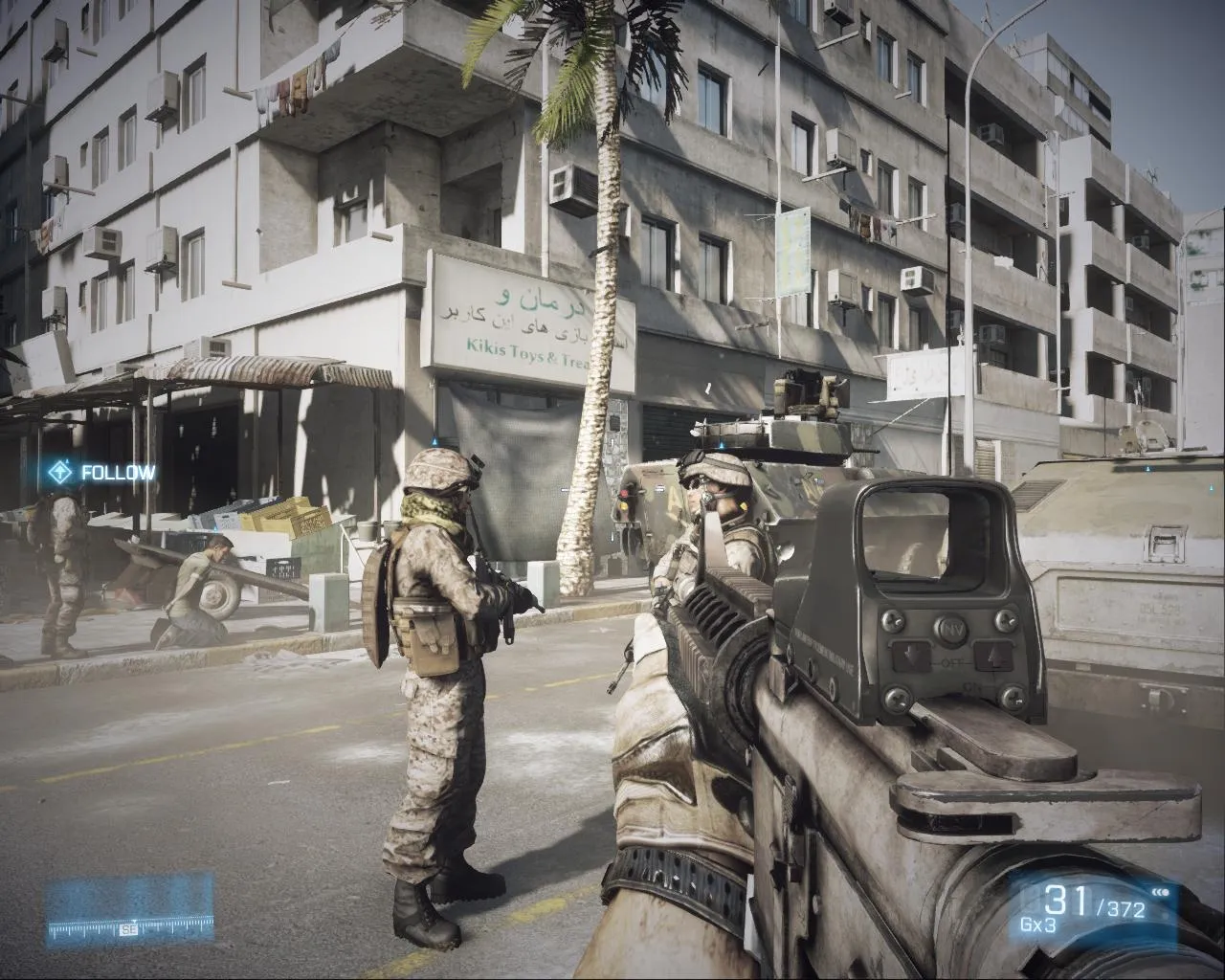
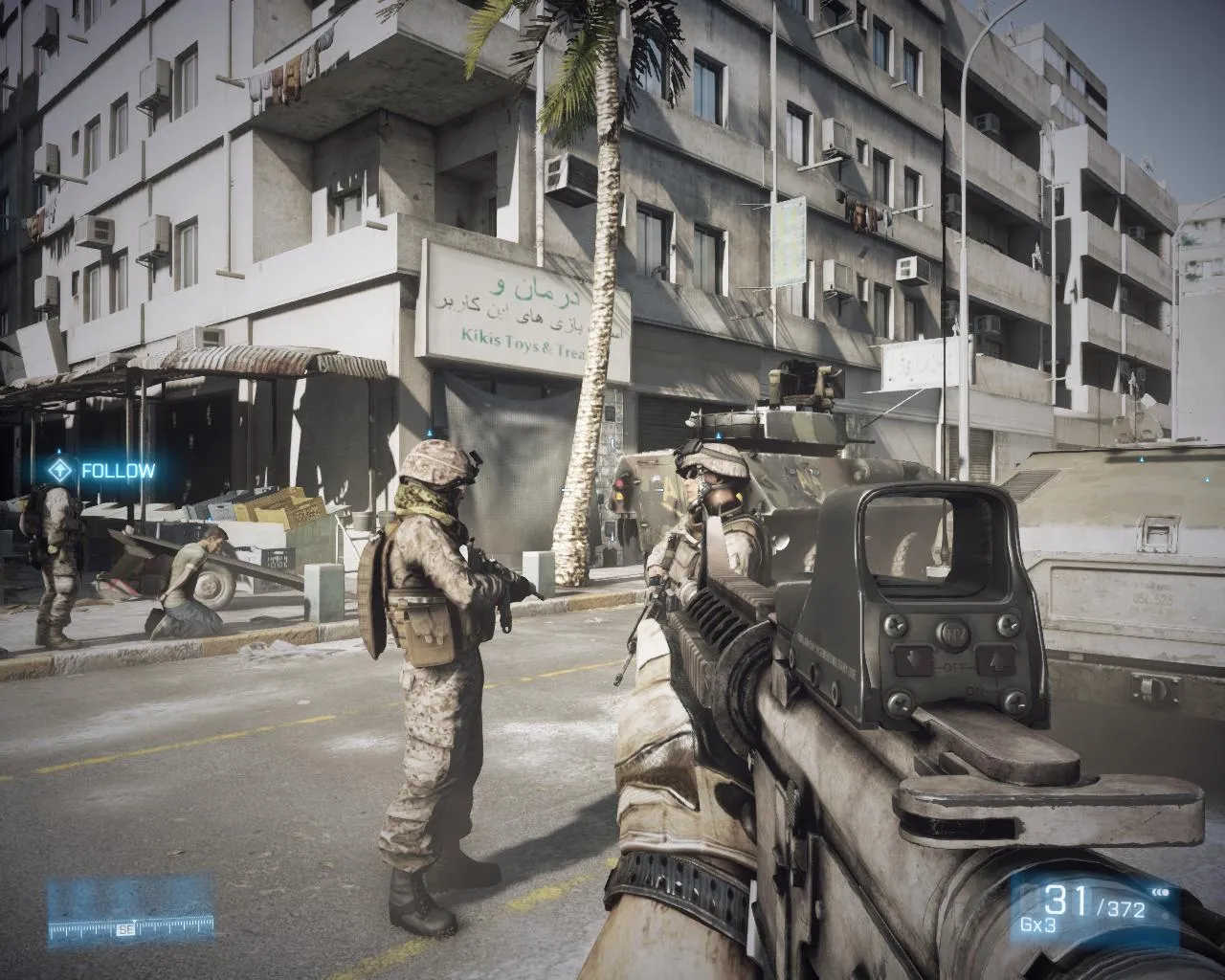
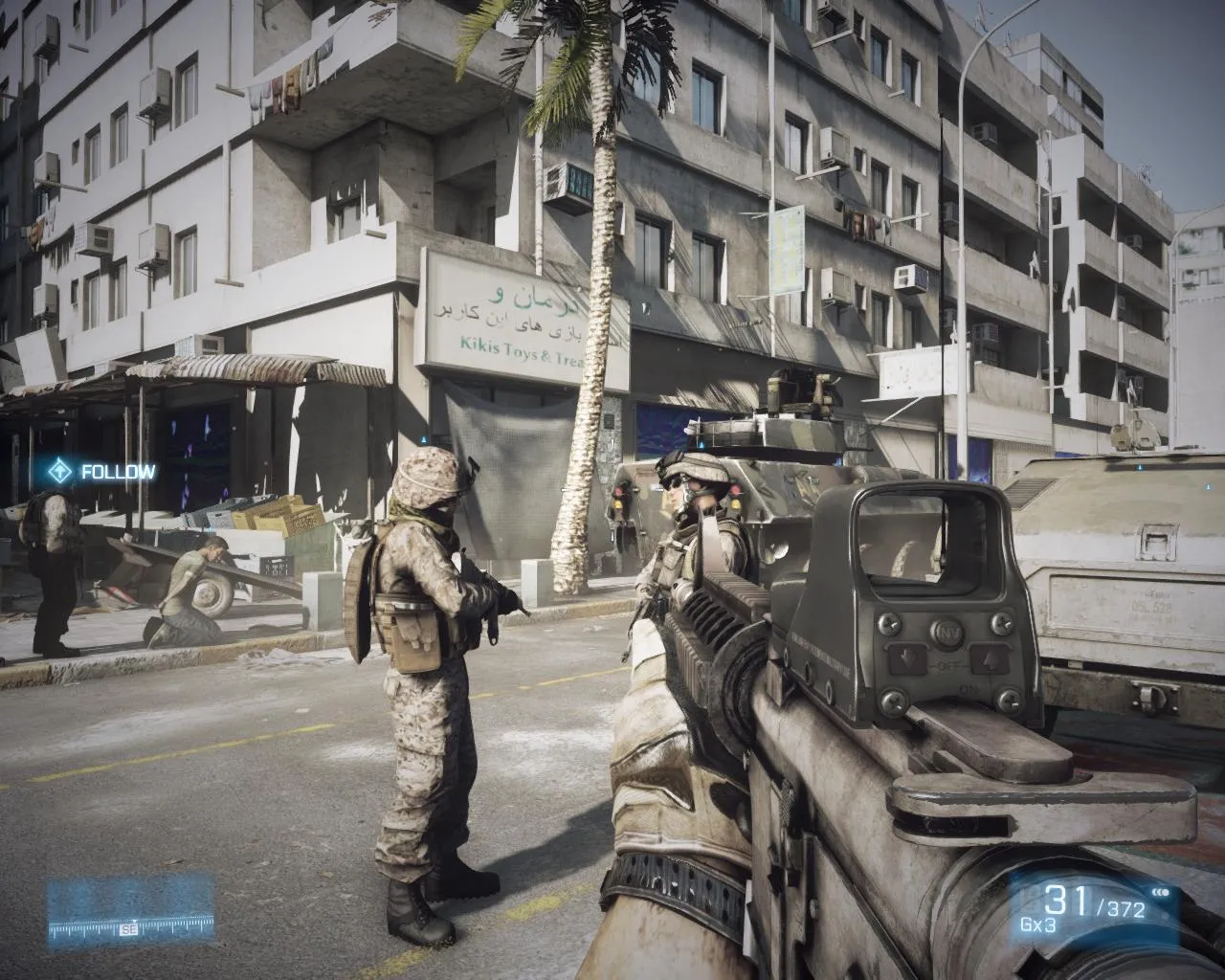
| LOW | MEDIUM | HIGH | ULTRA | |
|---|---|---|---|---|
| Texture Quality | Low | Medium | High | Ultra |
| Shadow Quality | Low | Medium | High | Ultra |
| Effects Quality | Low | Medium | High | Ultra |
| Mesh Quality | Low | Medium | High | Ultra |
| Terrain Quality | Low | Medium | Low | Low |
| Terrain Decoration | Low | Medium | High | Ultra |
| Anti-aliasing Deferred | Off | Off | Off | 4xMSAA |
| Anti-aliasing Post | Off | Medium | High | High |
| Motion Blur | Off | Off | On | On |
| Anisotropic Filtering | 2x (Custom 1x) | 4x | 16x | 16x |
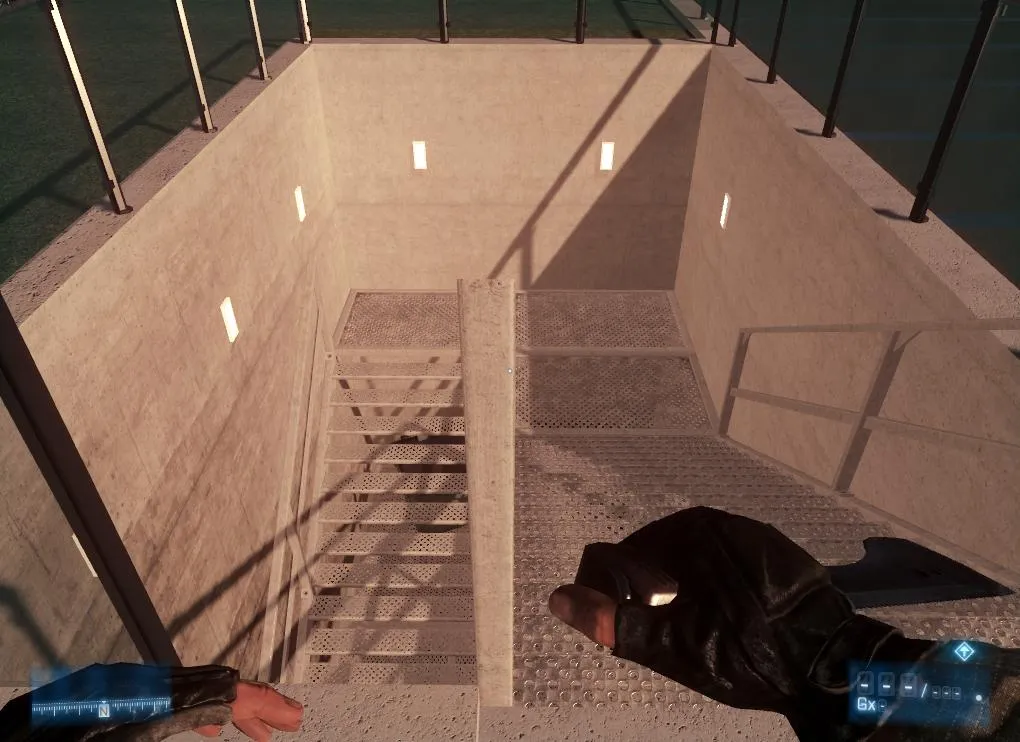
| Ambient Occlusion | Off | SSAO | HBAO | HBAO |
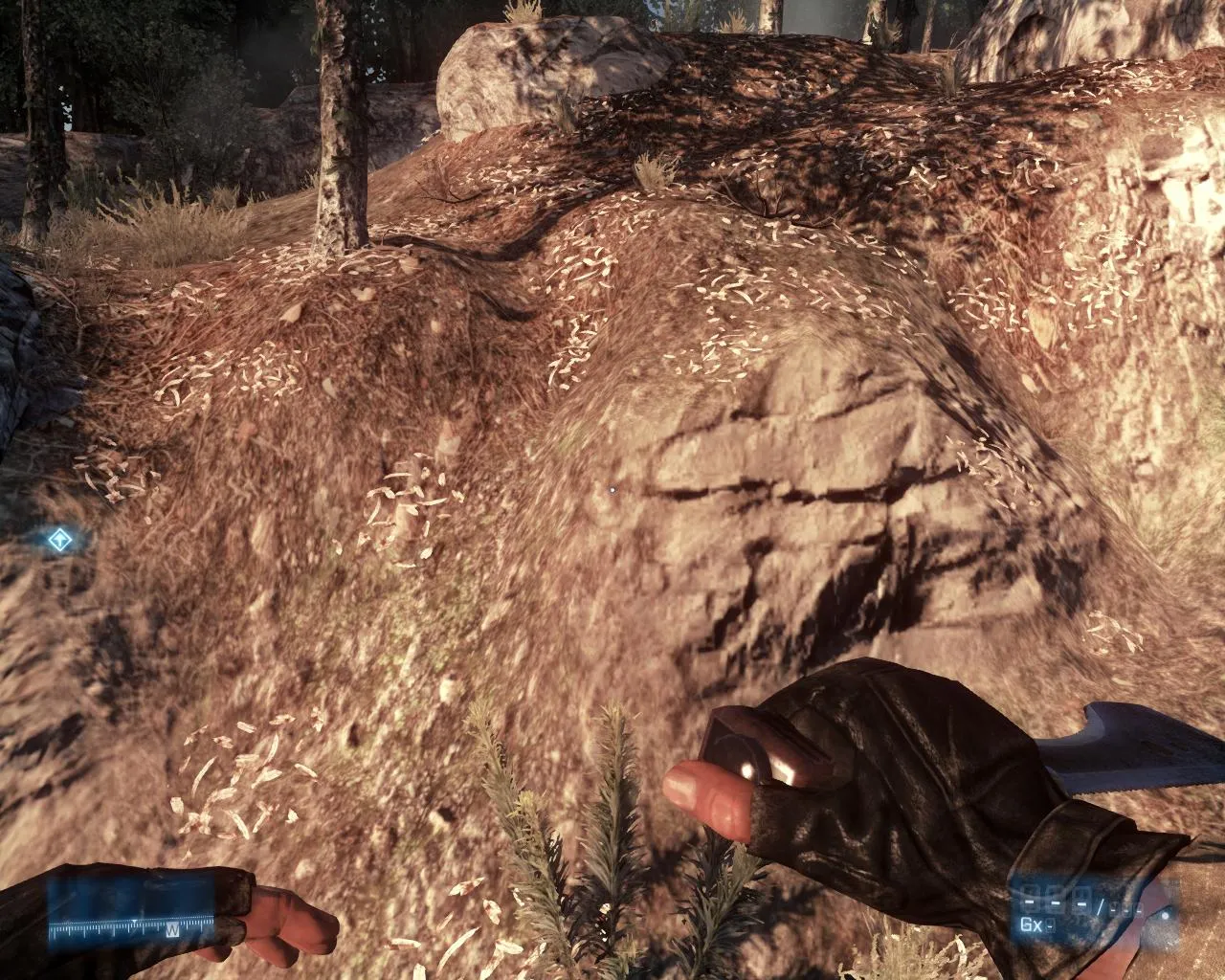
The above table is the comparison graphical preset settings. We used only 1x for the Anisotropic Filtering, instead of 2x in Low preset to set everything at its lowest level. This setting is what we used for image comparison and in benchmarking. Also take a look at Terrain Quality where it is set to low on High and Ultra Preset, it is because a DirectX 11 video card is needed to turn it to high and ultra, and we are only using Direct X 10 video card. As we took our time taking screenshots, we noticed that a particular setting, Mesh Quality, for example, doesn’t make any visual changes in some areas.
Performance
For our benchmarking process, we used FRAPS to measure the frames per second from the “Operation Shadowbreaker” mission. The video below is the benchmarking sequence we used.
httpv://www.youtube.com/watch?v=TakNNnQUyjQ
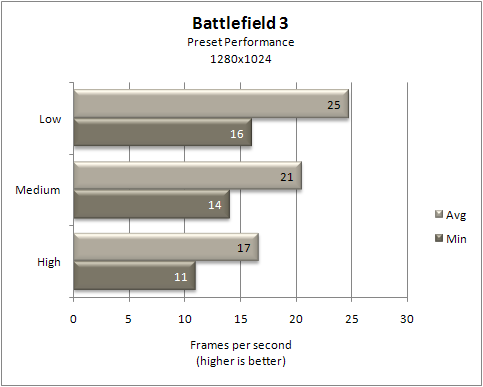
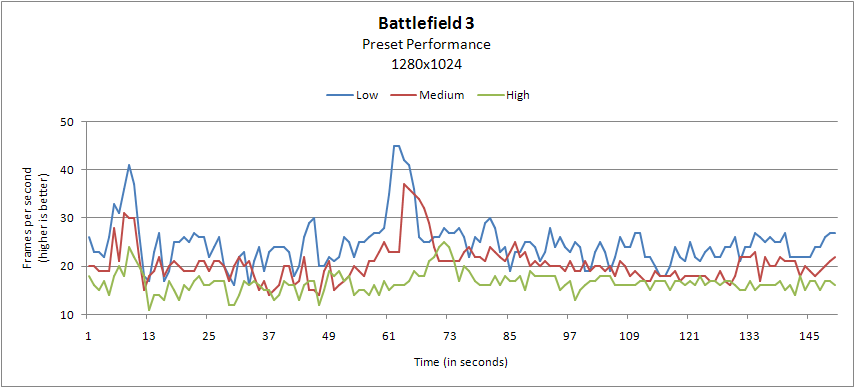
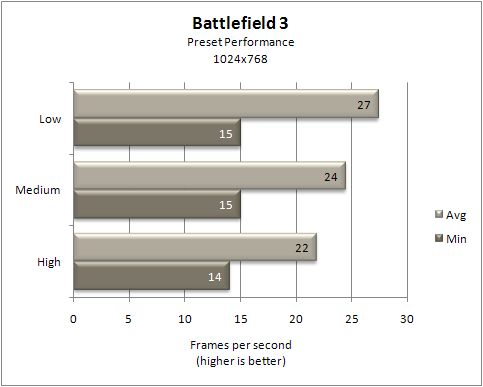
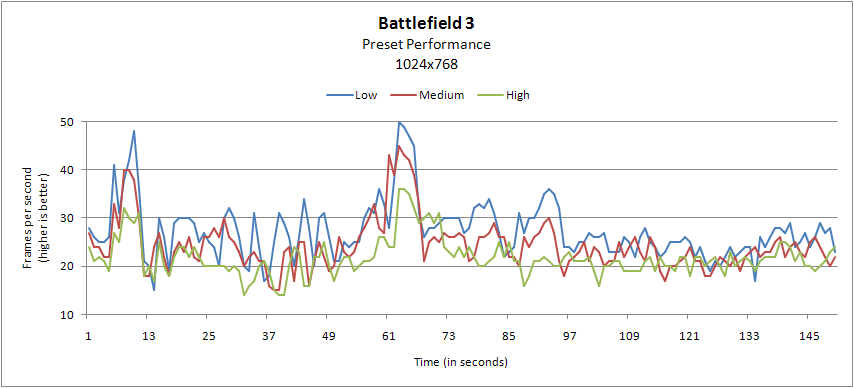
We didn’t bother benchmarking at Ultra preset as the results were already too low at High preset. We also didn’t have a DirectX 11 capable card to set everything at Ultra.
At 1280x1024 resolution, the results are too low and slow to be playable. Actually, in all of the line graphs, almost all frames were below 30. The fastest was at Low preset at 1024x768 with 27 fps average. There are some people who can tolerate this, and we gave this a shot to be more playable by tweaking and overclocking.
Tweaking and Overclocking
The game’s configuration file can be found in “My Documents\Battlefield 3\settings” and open the file “PROF_SAVE_profile” with WordPad. We apply the following settings:
GstRender.AmbientOcclusion 0 GstRender.AnisotropicFilter 0 GstRender.AntiAliasingDeferred 0 GstRender.AntiAliasingPost 0 GstRender.Brightness 0.500000 GstRender.Contrast 0.500000 GstRender.EffectsQuality 0 GstRender.Enlighten 0 GstRender.FieldOfView 10.000000 GstRender.FullscreenEnabled 1 GstRender.FullscreenScreen 0 GstRender.MeshQuality 0 GstRender.MeshQualityOld 0.700000 GstRender.MotionBlur 0.500000 GstRender.MotionBlurEnabled 0 GstRender.OverallGraphicsQuality 5 GstRender.ResolutionHeight 768 GstRender.ResolutionHertz 1114637337 GstRender.ResolutionWidth 1024 GstRender.ScreenSafeAreaHeight 0.950000 GstRender.ScreenSafeAreaWidth 0.950000 GstRender.ShaderQuality 2.000000 GstRender.ShadowQuality 0 GstRender.StereoConvergence 1.000000 GstRender.Stereoscopy 0 GstRender.TerrainQuality 0 GstRender.TextureQuality 0 GstRender.TransparentShadows 0 GstRender.UndergrowthQuality 0 GstRender.VSync 0
You can also type the following in notepad and save it as “User.cfg” and copy it to the Battlefield 3 game folder. These commands will be loaded automatically when a level is loaded. The commands can also be entered in game console (`).
RenderDevice.ForceRenderAheadLimit 8 RenderDevice.TripleBufferingEnable 0 GameTime.MaxVariableFps 90
We also managed the 3D settings of Battlefield 3 in the NVIDIA Control Panel.
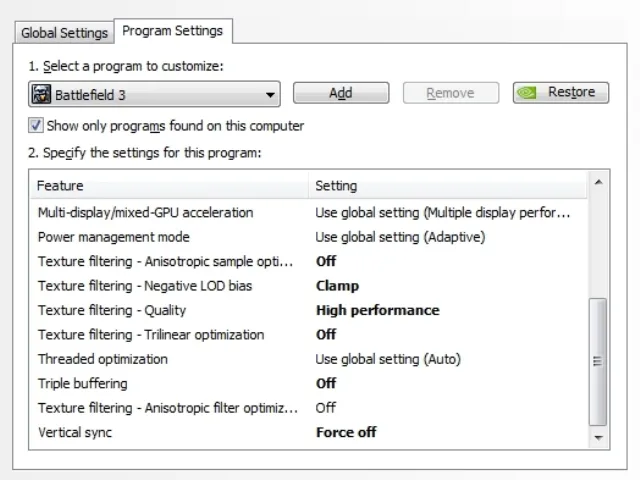
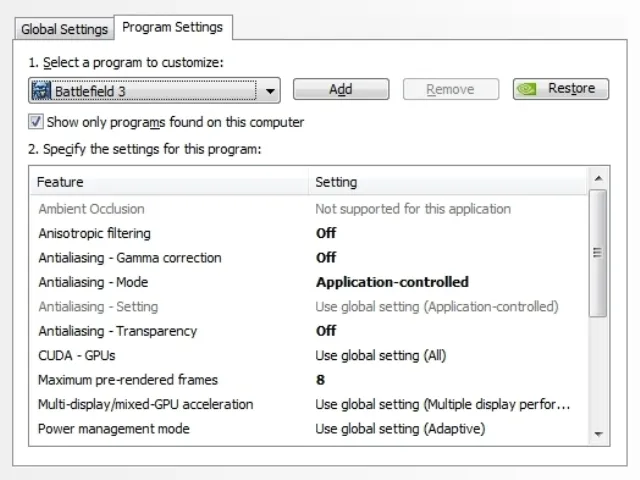
As for overclocking, we overclocked both the GPU and the CPU to juice more frames out of these components. As mentioned earlier, the video is a Green Edition of 9600GT which basically a downclocked version of the original 9600GT and it doesn’t need a 6-pin power connector.
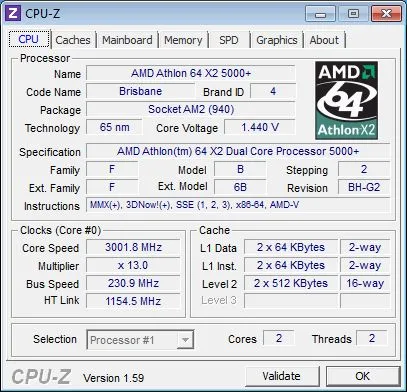
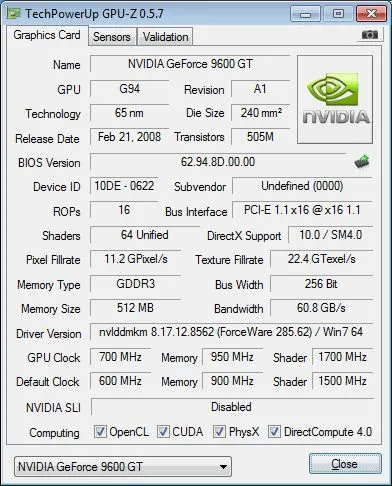
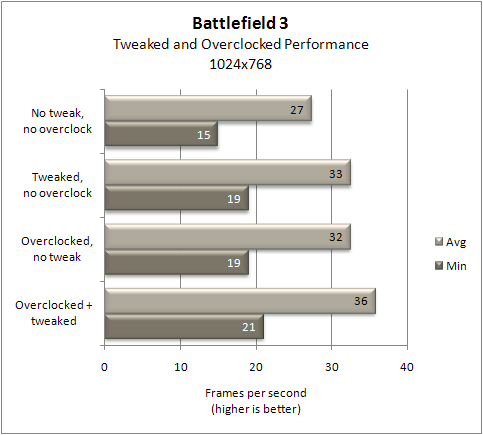
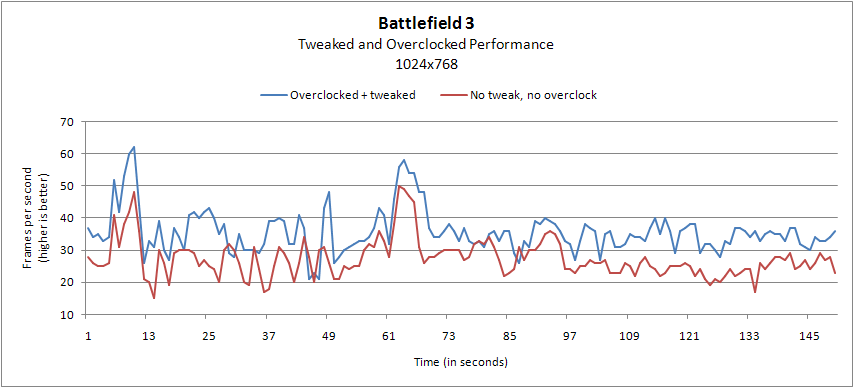
With the combination of tweaking and overclocking, we gained 9 fps on the average and 6 fps on the minimum. Looking at the line graph, the performance gain is evident – most of the frames per second are above 30 - compared to the stock performance. The game is now completely playable, at least at 1024x768. Playing it at a higher resolution or preset quality will negate these improvements. You can also do this on midrange or high-end systems to get more frames and make the gameplay smoother.
httpv://www.youtube.com/watch?v=XwLTFLhK6HI
Summary
Although Battlefield 3 will technically run on its minimum requirements, it's slow and frustrating – especially when you are playing online. This is a fast-paced shooting game and you don’t wanna play this anywhere below 30fps. Lucky for you if you know how to overclock and get around with configuration files; these will definitely give a boost in performance. But ultimately, the minimum requirement is practically invalid and you will definitely need upgrades or buy a new system if your current system is identical to the minimum requirements.
Comments (2)
- Darius From IranThanks for doing this benchmark, in 2022 this game is low-end friendly and it can run on anything. I was curious to know how it would run on its minimum requirements and I have my answer now thank to you guys.
- GaryWe are glad to hear it help. We got more articles like this so stay tuned
Comments are closed.