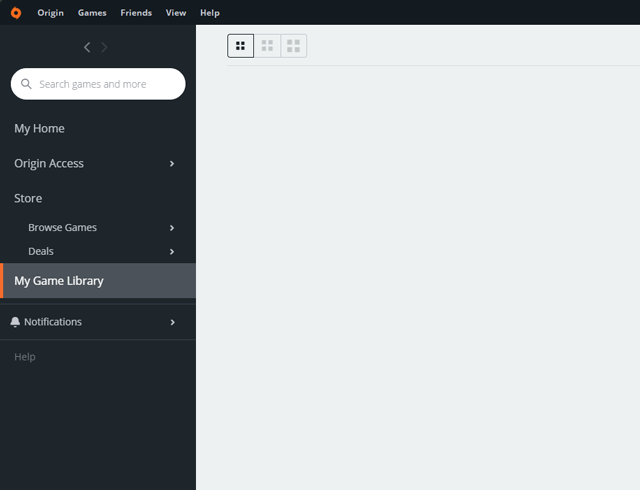

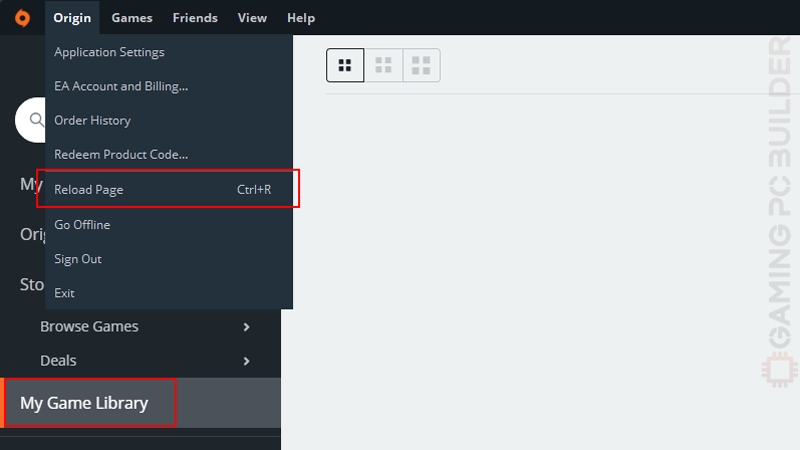
1. Go to your game library then go to Origin menu and click Reload Page (Ctrl + R).
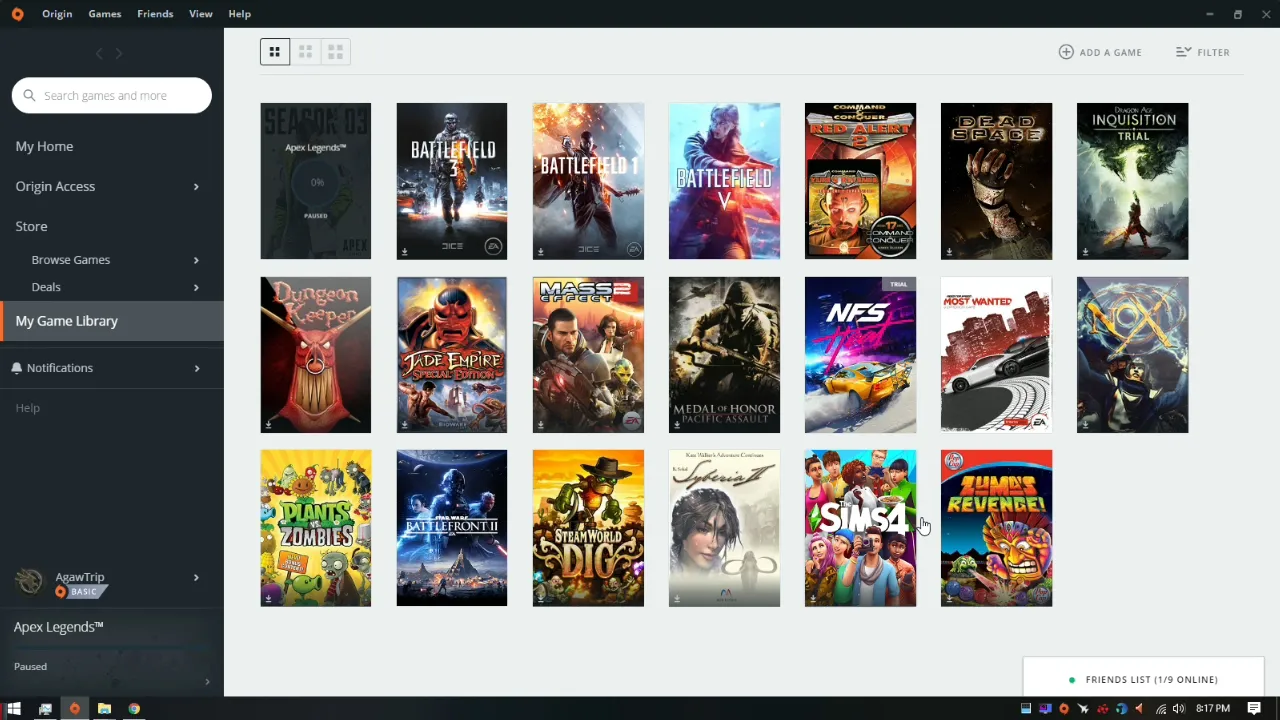
2. Wait for a few seconds to reload.
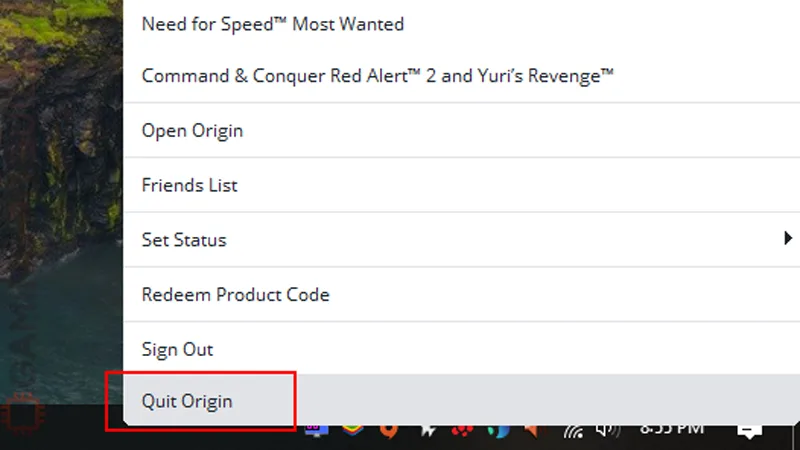
3. If that didn’t worked, close the Origin client by right-clicking the client’s icon from the task bar and click Quit Origin.
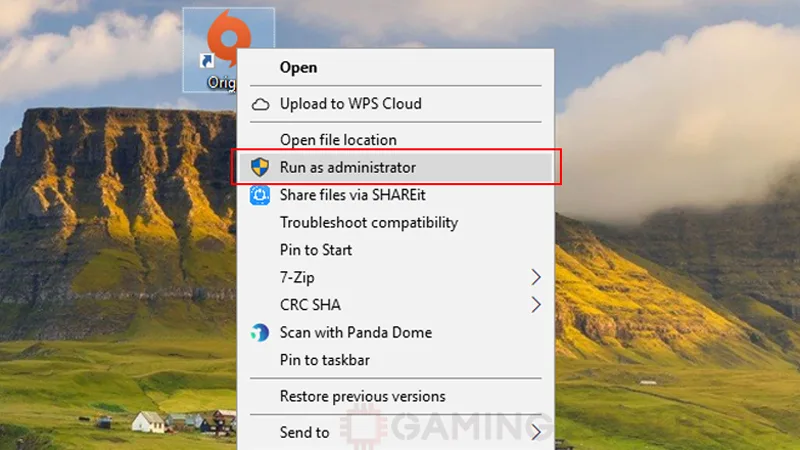
4. Right-click on the Origin desktop icon and click Run as Administrator.
Comments (1)
- Matthew GavinIt doesn't work.
Comments are closed.